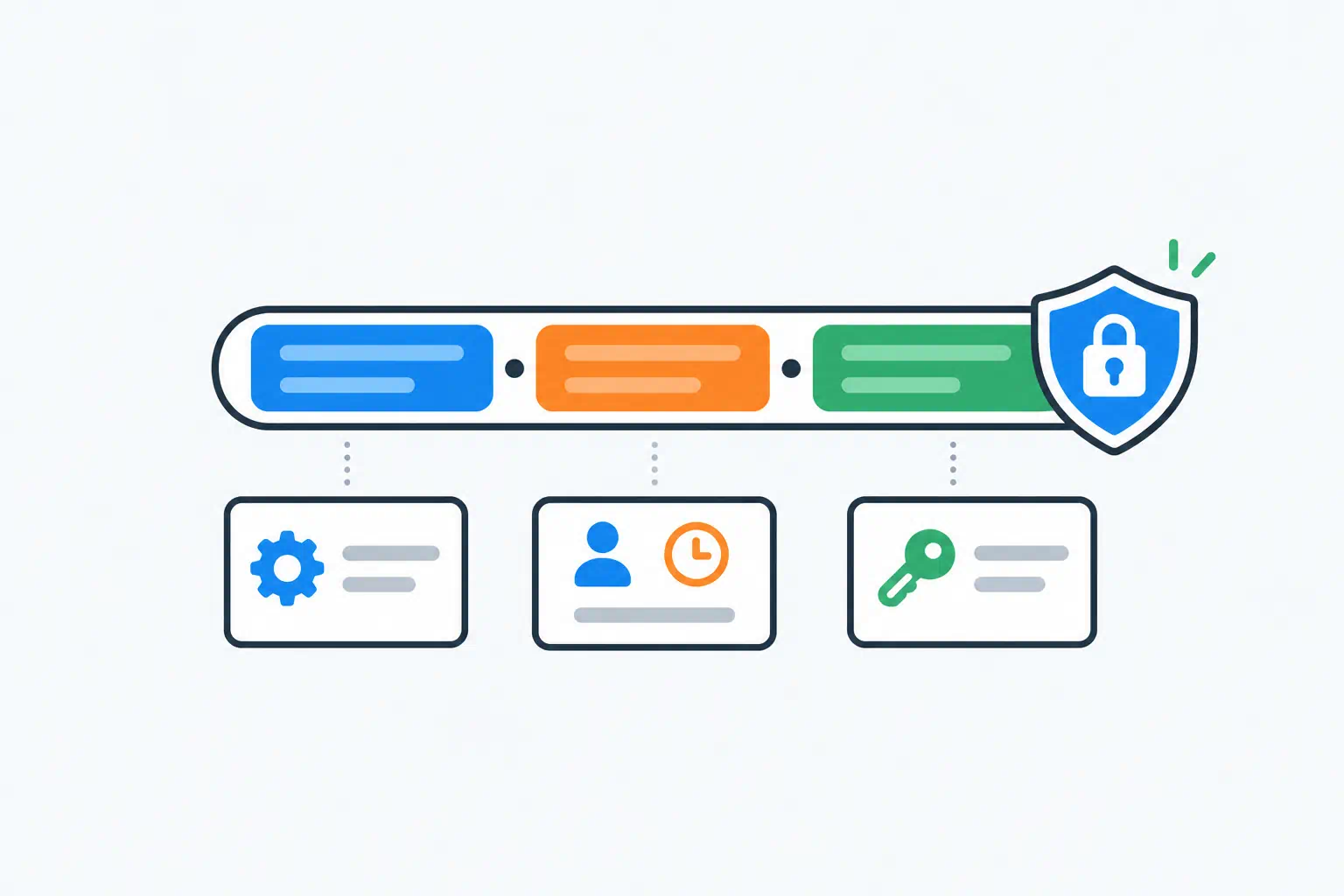
Every developer who works with APIs ends up staring at a string that starts with eyJ and wondering what is inside it. That is a JSON Web Token, and the answer is: more than you might expect, and in plain sight.
This guide covers how to read one, what the common bugs look like once you can, and the handling rules that keep a debugging session from becoming a security incident.
Key takeaways
- A JWT is three Base64-encoded parts: header, payload and signature. The first two are readable by anyone; only the signature proves the token is genuine.
- Decoding a token tells you what it claims. It cannot tell you the token is valid. Only verifying the signature with the right key does that.
- Most "the token doesn't work" bugs are clock problems (
exp,nbf,iat) or audience mismatches (aud,iss). - A production token is a credential. Treat it like a password: never paste it into a service you do not control, and prefer tools that decode in the browser.
What a JWT actually is
Take a token apart at the dots:
eyJhbGciOiJIUzI1NiIsInR5cCI6IkpXVCJ9 . eyJzdWIiOiI0MiIsImV4cCI6MTc4ODk5MDAwMH0 . 3lQ…
- Header: Base64URL-encoded JSON, almost always
{"alg":"HS256","typ":"JWT"}. Says which algorithm signed it. - Payload: Base64URL-encoded JSON with the claims, the facts the token asserts: who the user is, when it expires, what it is for.
- Signature: a hash (HMAC) or digital signature (RSA/ECDSA) over the first two parts, made with a key only the issuer holds.
Base64 is encoding, not encryption. Anyone with the token can read the header and payload. That is by design: the receiving service reads the claims and checks the signature to confirm nobody altered them. Do not put secrets in a JWT payload.
Reading the claims
Paste a token into the JWT Decoder and you get the header and payload as formatted JSON, with the timestamp claims converted to readable dates. The standard claims:
| Claim | Meaning | What to check |
|---|---|---|
iss |
Issuer | Does it match the authority your service trusts? |
sub |
Subject (the user or client ID) | Is it the account you expected? |
aud |
Audience (who the token is for) | Does it include your service? Tokens for API A are rejected by API B. |
exp |
Expiry, seconds since 1970 | Is it in the past? |
nbf |
Not before | Is it in the future? |
iat |
Issued at | Is it plausible? An iat hours ahead of now means a clock problem on the issuer. |
jti |
Token ID | Used for revocation lists. |
Everything else is application-specific: roles, scope, email, tenant_id. Those are where authorisation bugs live.
The bugs you will find once you can read the token
Expired, but only by a little. exp is five seconds in the past, the API rejects it, and the client swears it just received it. Clock skew between the issuer and the verifier. Most libraries accept a leeway of 30–60 seconds; set it, and fix the clocks with NTP.
Wrong audience. A mobile app's token (aud: "mobile-api") sent to the admin API. The token is valid and correctly rejected. The fix is on the client: request a token for the right audience.
Issuer URL differs by a slash. https://auth.example.com versus https://auth.example.com/. String comparison fails. Normalise on one form.
Roles in the token are stale. A user was promoted ten minutes ago and still cannot see the admin page, because their token was issued twenty minutes ago and claims the old role. This is the fundamental trade-off of JWTs: they are self-contained, so they cannot see changes made after issue. Shorter expiry or a revocation check fixes it.
alg: none. A token whose header says "alg":"none" has no signature. A correctly configured library rejects it. A library configured to accept whatever algorithm the token names is a critical vulnerability. Always pin the allowed algorithms in the verifier.
What the decoder cannot tell you
This is the part that matters most. The decoder shows the signature exists and what algorithm the header names. It does not verify the signature, because verifying needs the secret (for HMAC) or the public key (for RSA/ECDSA), and the tool does not have yours.
A decoded token that "looks right" can still be forged, expired, or signed with the wrong key. The only valid check is running it through your own library's verify with the correct key and the algorithm pinned.
So the workflow is: decode to understand what the token says, then verify in code to trust it.
Handling tokens without leaking them
A JWT from a real user session is a bearer credential: whoever holds it is that user until it expires. Some rules for debugging:
- Decode locally. The JWT Decoder runs in your browser; the token is not sent anywhere. Not all decoders work that way. Check before pasting.
- Prefer tokens from a test account on a staging issuer. If you must inspect a production token, do it on your own machine and do not paste it into chat, tickets or logs.
- Redact the signature when you share a token for discussion. The header and payload are enough to debug claims, and without the signature the string is useless as a credential.
- Never log full tokens. Log the
jtior the last six characters if you need to correlate. - Short expiry is your friend. A fifteen-minute access token that leaks is a fifteen-minute problem.
Signing keys and secrets
For HMAC algorithms (HS256, HS384, HS512), the secret must be long and random. A secret like "secret" or "changeme" is cracked offline in seconds from any captured token. The JWT Secret Generator produces cryptographically random keys of the right length (at least 256 bits for HS256).
For RSA and ECDSA (RS256, ES256), use a key pair: the private key signs, the public key verifies. This is the better choice whenever more than one service needs to verify tokens, because the verifiers never hold the secret.
Rotate keys. Publish the current and previous public keys at a JWKS endpoint (/.well-known/jwks.json) with kid identifiers in the token header, and verifiers pick the right one automatically.
Related: testing two-factor codes
If your login also uses TOTP (authenticator app codes), the debugging story is similar: it is almost always time. The TOTP Tester takes a Base32 secret and shows the code it should produce right now, plus the previous and next windows. If the code on the user's phone does not match, their device clock is off; if it matches the previous window, your server's clock or validity window is the problem.
Frequently asked questions
Is it safe to paste a JWT into an online decoder?
Only if the decoder runs in your browser and does not send the token to a server. ToolByte's JWT Decoder works that way. If you cannot confirm how a tool works, assume the token is being logged, and use a test token instead.
Why does the decoder not say whether the token is valid?
Because validity means the signature was produced with the correct key, and the decoder does not have your key. Decoding reads the claims; verifying proves them. Do the verification in your application with the algorithm pinned.
Can I edit the payload and re-encode it?
You can edit and Base64-encode the payload, but the signature will no longer match and any correctly configured verifier will reject the token. That is the whole point of the signature.
How long should a JWT live?
Access tokens: minutes, typically 5 to 60. Refresh tokens: hours to days, stored securely and revocable. Long-lived access tokens are convenient and are the usual cause of "we cannot log out a compromised account".