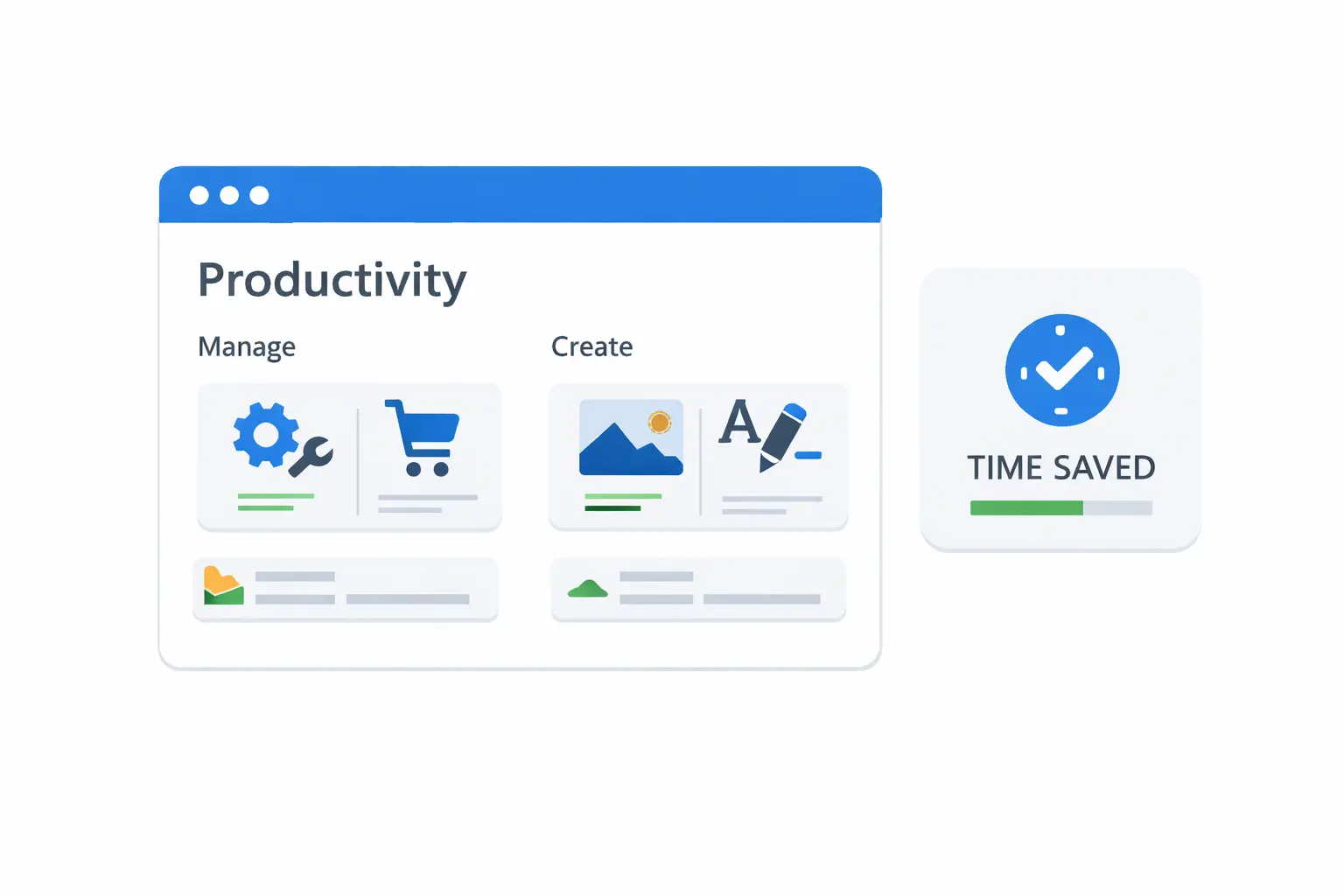
Repetitive tasks are rarely complicated. They are just frequent. Open a formatter, run a converter, check metadata, repeat. The friction comes from navigation and tool switching, not from technical difficulty.
Quick links are one of the easiest productivity upgrades for teams that perform recurring utility tasks every day.
Why Quick Links Work
Quick links remove decision and navigation overhead. Instead of searching tools each time, users jump directly to known workflows.
That reduces:
- delay between task identification and execution
- context switching fatigue
- inconsistency in tool choice
- repeated onboarding questions from new teammates
Where to Use Quick Links
Best use cases include:
- code formatting and minification
- SEO checks and slug generation
- PDF operations and file conversion
- image optimization and resizing
- text cleanup and transformation
If a task happens more than three times a week, it belongs in your quick-link set.
Build a Useful Quick-Link System
Do not create a giant unstructured list. Organize by intent:
- build and debug
- content and SEO
- media and assets
- document operations
Keep each group short and action-oriented.
Team Standardization Benefits
Quick links also improve quality control. When everyone uses the same utilities, output becomes more predictable.
That helps with:
- consistent formatting
- fewer handoff corrections
- faster QA checks
- better documentation and training
A 15-Minute Setup That Pays Off
Try this:
- identify your top repetitive tasks
- map each to one preferred tool URL
- save grouped links in a shared team page
- review monthly and remove unused entries
Small maintenance keeps the system sharp.
Final Thoughts
Time savings do not always require automation scripts or big platform changes. Sometimes the highest ROI move is simply better access to the right tools.
If your team wants a practical productivity map for repetitive workflows, Duo Dev Technologies can help you design and roll out one quickly.