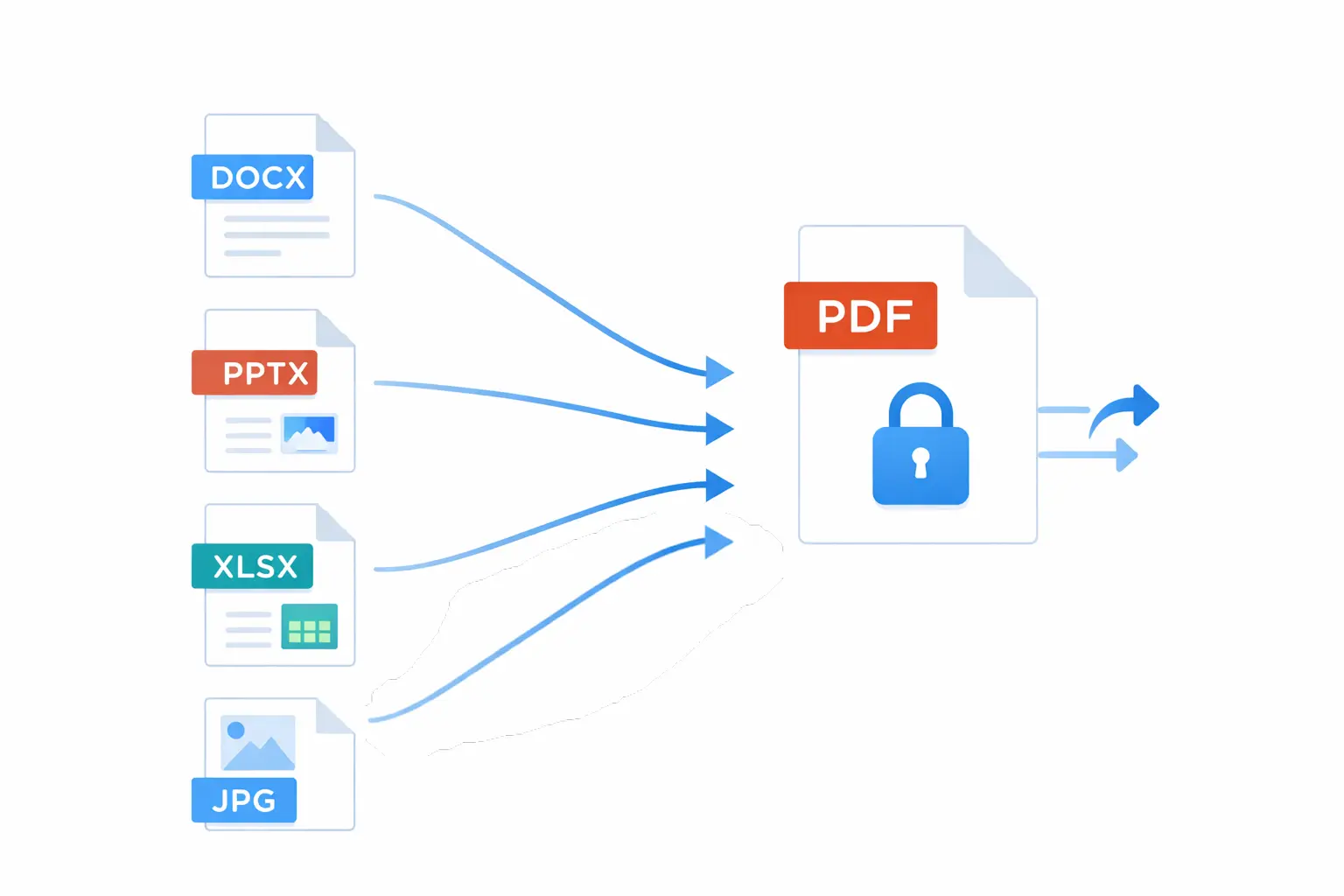
When teams exchange files across clients, vendors, departments, and devices, format compatibility quickly becomes a risk. A document that looks perfect on one machine can break on another because of fonts, software versions, or layout engines.
That is why PDF remains the default sharing format in professional environments. It prioritizes consistency and portability, which are exactly what business communication needs.
Why PDF Still Wins in 2026
PDF persists because it solves real operational problems:
- layout consistency across devices
- predictable printing behavior
- broad compatibility without editing tools
- easier archiving and compliance workflows
In short, it is not about trend. It is about reliability.
Common Sharing Problems PDF Prevents
Teams frequently face these issues with editable formats:
- broken formatting after email transfer
- shifted spacing and page breaks
- missing fonts and replaced typefaces
- accidental edits in final documents
Converting to PDF before sharing dramatically reduces these failures.
Where PDF Conversion Matters Most
Use PDF as the final delivery format for:
- contracts and proposals
- resumes and hiring documents
- invoices and financial reports
- manuals and policy documents
- presentation handouts
For collaborative drafting, keep editable formats internally. For final distribution, lock to PDF.
Security and Professionalism Benefits
PDF workflows also improve trust:
- password protection for sensitive files
- controlled editing and permissions
- watermark options for draft or proprietary content
- consistent visual quality in client communication
A clean PDF delivery process signals operational maturity.
A Practical Conversion Workflow
Use a repeatable process to avoid errors:
- Finalize content in source format.
- Export to PDF with correct paper and margin settings.
- Review typography, links, and page breaks.
- Compress only if necessary for transfer limits.
- Apply password protection when needed.
This takes minutes and avoids costly confusion later.
Conversion Quality Checklist
Before sending:
- headings and spacing match the source
- images are sharp but not oversized
- links remain clickable
- file size is reasonable for email and upload
- sensitive data is protected when required
Tooling That Keeps the Process Fast
A browser-based PDF utility stack is practical for teams that need occasional conversions without heavy software setup. It is useful for quick tasks like merge, split, compress, or format conversion while keeping workflow lightweight.
Final Takeaway
PDF remains the gold standard because it solves the most common document-sharing risks with minimal friction. The format is stable, trusted, and operationally efficient.
If your team wants a cleaner file pipeline for client communication and internal operations, Duo Dev Technologies can help design and automate a PDF-first document workflow.