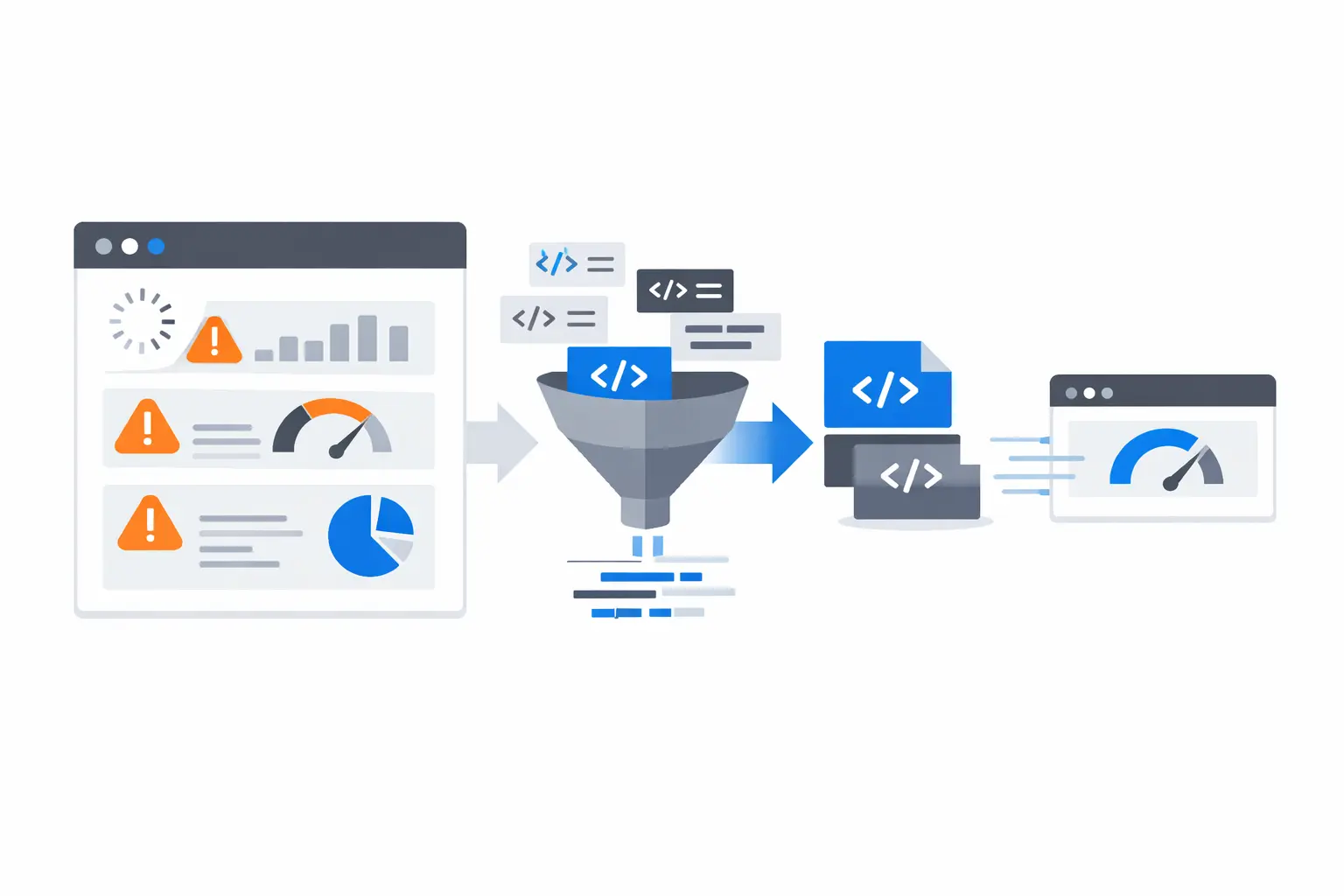
A slow website is rarely caused by one dramatic mistake. It is usually the result of many small inefficiencies that stack up until users feel the delay. That delay shows up in bounce rate, lower conversion, and weaker search visibility.
Minification is not a complete performance strategy, but it is one of the most reliable first steps. It trims unnecessary bytes from your front-end assets and API payloads so your pages deliver faster.
1. Your CSS and JavaScript Files Are Larger Than They Need To Be
Readable source files are great for development. They are not ideal for production delivery. Extra spaces, comments, and line breaks add transfer weight.
Minification removes those characters without changing runtime behavior. The browser gets the same logic, just in a smaller package.
2. Too Many Render-Blocking Assets
When the browser must download and parse large CSS and JS files before rendering, users stare at a blank or unstable screen.
Minified assets download faster, so rendering starts sooner. Combined with better loading strategy, this directly improves perceived speed.
3. Unoptimized API Responses
Modern pages often depend on multiple API calls. If each response is heavy, initial content and interactions are delayed.
Minifying JSON responses cuts payload size and reduces parsing overhead, especially on mobile devices and slower networks.
4. Cumulative File Weight Across Pages
Even if each file is only slightly oversized, total page weight can become significant across shared layouts, route changes, and repeated visits.
Minification reduces the baseline weight of every reusable asset. The gain may look small per file, but it compounds across sessions.
5. Poor Core Web Vitals Caused by Transfer Delays
Largest Contentful Paint and Time to Interactive are sensitive to how quickly critical resources arrive. If code is bulky, these metrics suffer.
Minifying HTML, CSS, and JavaScript can help your delivery pipeline move critical content sooner.
Where Minification Fits in a Real Workflow
Use minification as part of a simple performance cycle:
- Measure baseline with Lighthouse and real-user monitoring.
- Minify HTML, CSS, JS, and JSON where applicable.
- Re-measure Core Web Vitals and key conversion flows.
- Keep only changes that improve user-facing metrics.
This keeps your optimization grounded in business outcomes, not guesswork.
Quick Checklist for Teams
Use this checklist before every release:
- HTML output is minified for production
- CSS bundles are minified
- JavaScript bundles are minified
- JSON responses are compact where appropriate
- Source maps are available for debugging, not shipped publicly by default
ToolByte Utilities That Help
ToolByte provides practical minification tools for:
- HTML
- CSS
- JavaScript
- JSON
They are useful for validating before/after outputs quickly, especially during QA and pre-release checks.
Final Thoughts
If your site feels slow, do not wait for a full platform rewrite. Start with the most reversible improvements first. Minification is exactly that: low risk, quick to apply, and measurable.
When combined with image optimization, caching, and sane bundle strategy, it becomes part of a durable performance foundation.
Need help running a practical speed audit and execution plan? Duo Dev Technologies can help you prioritize and implement the right optimizations without disrupting delivery timelines.