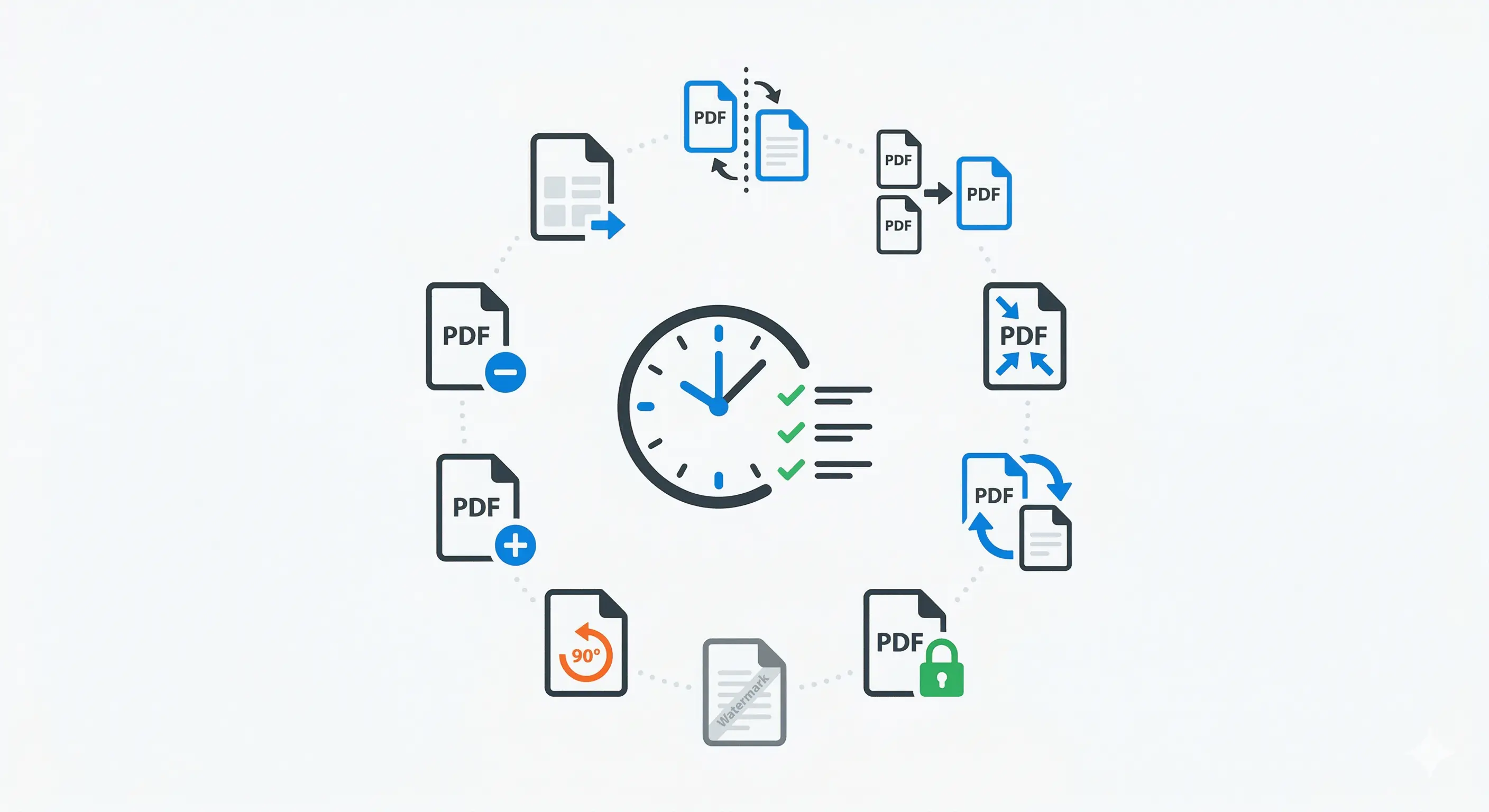
Most teams spend more time handling documents than they realize. A few minutes to split a file, clean page order, compress for email, then convert formats can quietly consume several hours each week.
The good news is that you do not need a complex document platform to fix this. A small set of repeatable PDF habits delivers immediate time savings.
1. Split Large PDFs Before Review
Do not send a 120-page file when reviewers only need five pages. Split by section and share only the relevant piece.
2. Merge Related Documents Into One Submission
When sending proposals or reports, merge annexures and support files into one PDF so recipients do not miss context.
3. Compress Before Uploading to Portals
Many portals reject oversized files. Compress early to avoid last-minute rework and deadline stress.
4. Convert Images to PDF for Cleaner Sharing
Scattered JPGs are hard to archive. Convert related images into a single PDF with ordered pages.
5. Rotate Misaligned Scans Immediately
A sideways page in a legal or onboarding document slows everyone down. Fix orientation before circulation.
6. Add Passwords for Sensitive Files
For contracts, payroll, or private records, password-protect before sending and share credentials through a separate channel.
7. Add Page Numbers to Long Documents
Page numbers improve discussion speed in meetings and client reviews. "See page 14" beats "scroll a bit more."
8. Watermark Draft Versions
Mark drafts clearly to prevent accidental sign-off on non-final content.
9. Extract Text From PDFs for Reuse
Instead of retyping from reports, use text extraction and clean formatting once.
10. Standardize a Team PDF Checklist
Create a default pre-send list:
- correct page order
- readable orientation
- compressed size
- security applied if needed
- file naming standard
This prevents repeated manual corrections.
Why These Hacks Work
Each hack removes one friction point. Together, they create a faster document pipeline with fewer interruptions.
Teams often focus on major platform decisions while ignoring operational micro-delays. PDF workflows are exactly where those delays hide.
Suggested Weekly Routine
Set one 20-minute weekly slot to clean document process issues:
- list recurring PDF tasks
- map which steps are manual
- assign a default tool for each step
- document naming and sharing rules
You will feel the impact in less than two weeks.
Final Takeaway
Productivity gains rarely come from one big move. They come from better defaults. These ten PDF hacks are practical, low-risk, and immediately useful for most teams.
If you want help designing a lightweight document workflow your team will actually use, Duo Dev Technologies can help with implementation-ready guidance.