Security is never the exciting part of a project, but it is the part that keeps you up at night when it goes wrong. Leaked secrets, weak passwords, and misconfigured SSO integrations have compromised countless systems.
The good news is that many common security tasks — generating secret keys, creating strong passwords, and debugging authentication flows — do not require deep cryptographic expertise. They require the right tools and an understanding of what makes something secure.
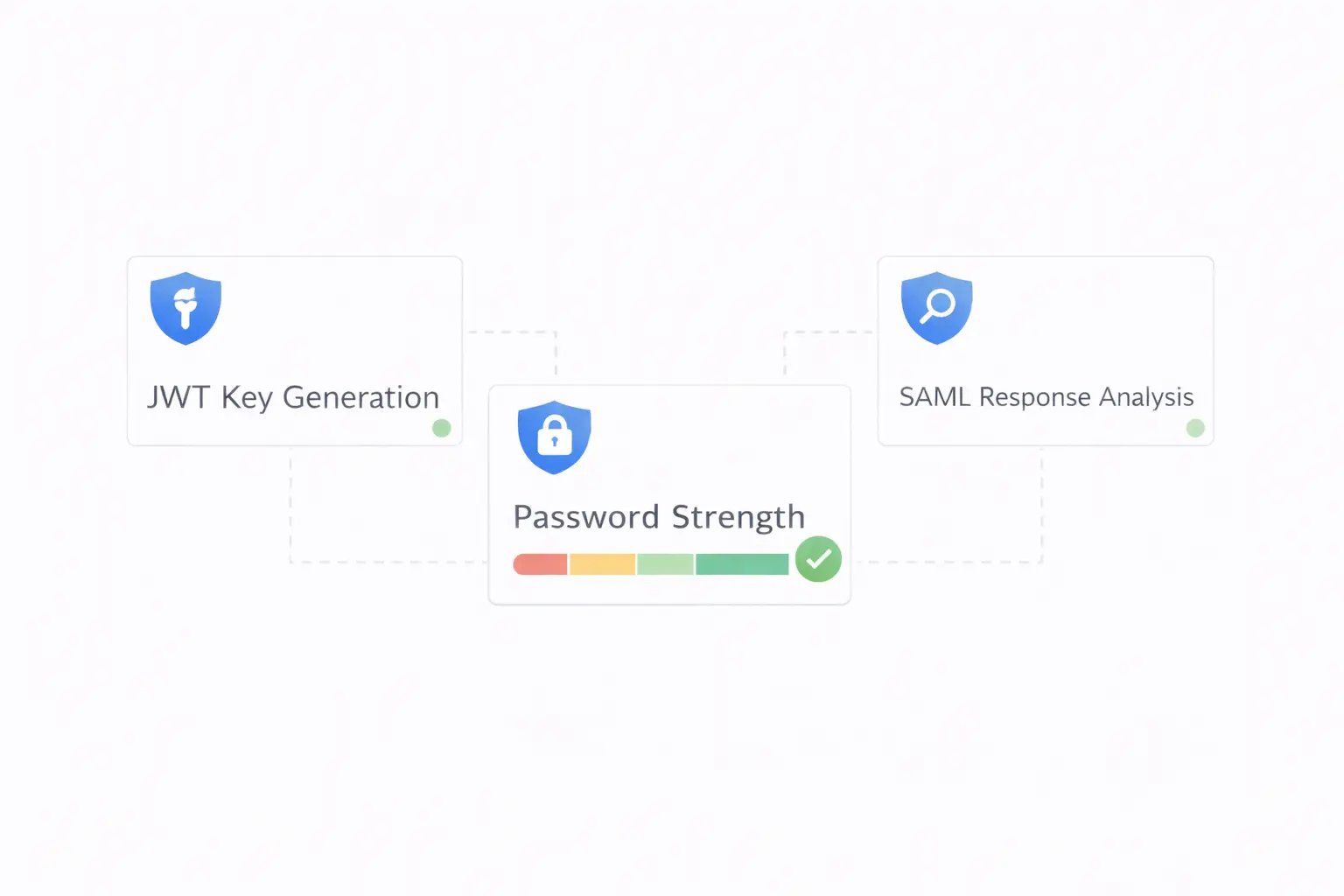
This guide covers three essential security tools every developer should have in their toolkit and the principles behind using them correctly.
Part 1: JWT Secret Key Generation
What Is a JWT Secret Key?
JSON Web Tokens (JWTs) are the dominant standard for stateless authentication in modern web applications. A JWT consists of three parts — header, payload, and signature — encoded in Base64 and separated by dots.
The secret key is what makes the signature trustworthy. When your server signs a JWT, it uses the secret key. When it later receives a JWT back, it verifies the signature using the same key. If the signature does not match, the token is rejected.
The security of your entire authentication system rests on the strength of this key.
What Makes a Secret Key Secure?
A JWT secret key must be:
-
Long enough — A minimum of 256 bits (32 bytes) for HMAC-SHA256, the most common algorithm. Longer is better — 512 bits (64 bytes) provides a comfortable margin.
-
Random — Generated using a cryptographically secure random number generator (CSPRNG), not a string you made up. "mysecretkey123" is not secure, regardless of length.
-
Unique — Every environment (development, staging, production) should use a different key. Sharing keys across environments means a compromise in development exposes production.
-
Stored securely — Never committed to version control. Use environment variables, secret managers (AWS Secrets Manager, HashiCorp Vault), or encrypted configuration.
Generating a JWT Secret Key
You can generate a secure key from the command line:
# Using OpenSSL (generates a 512-bit key)
openssl rand -hex 64

# Using Python
python3 -c "import secrets; print(secrets.token_hex(64))"

# Using Node.js
node -e "console.log(require('crypto').randomBytes(64).toString('hex'))"
Or use the JWT Secret Key Generator on ToolByte for instant generation with configurable length. The key is generated client-side in your browser — it never touches a server.
JWT Security Best Practices
- Set short expiration times — Access tokens should expire in 15–60 minutes. Use refresh tokens for long-lived sessions.
- Validate all claims — Check
exp(expiration),iss(issuer), andaud(audience) on every request. - Rotate keys periodically — Change your secret key on a schedule (e.g., quarterly). Implement key versioning to handle tokens signed with the previous key during the transition.
- Never store JWTs in localStorage — Use HTTP-only cookies to prevent XSS attacks from stealing tokens.
- Use asymmetric keys for distributed systems — If multiple services verify tokens, use RS256 (RSA) instead of HS256 (HMAC) so services only need the public key.
Part 2: Password Generation
The Mathematics of Password Strength
Password strength is a function of the character space and the length. The formula is straightforward:
$$\text{Possible combinations} = \text{character space}^{\text{length}}$$
| Configuration | Character Space | 12-Char Combinations | Time to Brute Force (10B guesses/sec) |
|---|---|---|---|
| Lowercase only | 26 | 9.5 × 10^16 | ~110 days |
| Lower + Upper | 52 | 3.9 × 10^20 | ~1,200 years |
| Lower + Upper + Digits | 62 | 3.2 × 10^21 | ~10,000 years |
| All printable ASCII | 95 | 5.4 × 10^23 | ~1.7 million years |
The difference between a lowercase-only password and one using the full character set is astronomical. Length matters even more — every additional character multiplies the difficulty exponentially.
What Makes a Good Password?
- Minimum 12 characters — 16+ is better. Length is the single biggest factor in password strength.
- Mix character types — Uppercase, lowercase, digits, and special characters.
- No dictionary words — Attackers use wordlists containing millions of common passwords and phrases.
- No personal information — Names, birthdays, pet names, and addresses are easily guessable.
- Unique per service — Never reuse passwords across different accounts.
Generating Strong Passwords
The Password Generator on ToolByte creates cryptographically random passwords with:
- Configurable length (8–128 characters)
- Selectable character types (uppercase, lowercase, digits, symbols)
- Strength indicator showing estimated crack time
- One-click copy for immediate use
Since the password is generated entirely in your browser using the Web Crypto API, it is never transmitted over the network.
Password Storage for Developers
If you are building a system that stores passwords:
- Always hash passwords — Use bcrypt, scrypt, or Argon2. Never store plaintext or use fast hashes like MD5 or SHA-256.
- Use a unique salt per password — bcrypt and Argon2 handle this automatically.
- Set a reasonable work factor — bcrypt cost of 10–12 is standard. Argon2 should use at least 64 MB memory.
- Enforce minimum complexity — Require at least 8 characters at a minimum, but encourage 12+.
- Check against breach databases — Use the Have I Been Pwned API to reject passwords known to be compromised.
Part 3: SAML Response Analysis
What Is SAML?
Security Assertion Markup Language (SAML) is an XML-based standard for exchanging authentication data between an identity provider (IdP) and a service provider (SP). It powers enterprise Single Sign-On (SSO) — when you click "Log in with Okta" or "Sign in with Azure AD," SAML is often the protocol behind it.
Why SAML Debugging Is Painful
SAML responses are Base64-encoded, XML-structured, and cryptographically signed. When something goes wrong in an SSO integration, you face:
- Base64-encoded blobs that are unreadable in their raw form
- XML namespaces and nested structures that are easy to misread
- Signature validation errors with unhelpful error messages
- Timestamp issues (clock skew between IdP and SP)
- Attribute mapping mismatches (the IdP sends "emailAddress" but the SP expects "email")
What a SAML Response Contains
A SAML response includes:
- Issuer — The identity provider that created the response
- Status — Whether authentication succeeded or failed
- Assertions — Statements about the authenticated user
- Subject — The user's identifier (usually email or username)
- Conditions — Validity window (NotBefore, NotOnOrAfter)
- Attributes — User data like name, email, groups, roles
- Signature — Cryptographic proof that the response is authentic and unmodified
Analyzing a SAML Response
The SAML Response Analyzer on ToolByte decodes and analyzes SAML responses with:
- Base64 decoding — Paste the raw response and see the readable XML
- Signature verification — Validate that the response signature is intact
- Timestamp checking — Verify that the response is within its validity window
- Attribute extraction — See all user attributes in a clean, readable format
- Structure visualization — Navigate the SAML XML hierarchy easily
This is invaluable when setting up or debugging SSO integrations. Instead of manually decoding Base64, parsing XML, and checking timestamps, you get a complete analysis in seconds.
Common SAML Issues and How to Fix Them
1. Signature validation failed
- Check that you have the correct IdP certificate configured
- Ensure the certificate has not expired
- Verify that the IdP is signing the response, the assertion, or both — and that your SP expects the same
2. Response is expired
- SAML responses have a validity window (typically 5 minutes)
- Ensure clocks are synchronized between IdP and SP servers (use NTP)
- Check for timezone mismatches
3. Audience restriction mismatch
- The SP's entity ID must exactly match the audience restriction in the SAML response
- Watch for trailing slashes and protocol differences (http vs. https)
4. Missing attributes
- Verify the IdP is configured to release the attributes your SP needs
- Check attribute names — they often differ between IdPs
5. NameID format mismatch
- The SP and IdP must agree on the NameID format (email, persistent, transient)
- Ensure the IdP sends the format your SP expects
Bringing It All Together
These three tools address different aspects of application security:
| Tool | Security Area | When to Use |
|---|---|---|
| JWT Secret Key Generator | Authentication tokens | Setting up or rotating auth systems |
| Password Generator | Access credentials | Creating account passwords or API keys |
| SAML Response Analyzer | SSO authentication | Setting up or debugging enterprise SSO |
Having reliable, browser-based versions of these tools means you can generate secrets without installing software, create strong passwords on any device, and debug SSO issues from a quick browser tab.
Security Is a Practice, Not a Product
Tools help, but security fundamentals matter more:
- Keep secrets out of code — Use environment variables and secret managers
- Rotate credentials regularly — Automate rotation where possible
- Monitor for anomalies — Log authentication events and set up alerts
- Stay informed — Follow security advisories for your dependencies
- Apply the principle of least privilege — Every system and user should have the minimum access needed
Conclusion
Security does not need to be complicated to be effective. Generating a strong JWT key takes seconds. Creating a secure password is one click away. Debugging a SAML flow that used to take an hour of manual XML parsing now takes minutes with the right analyzer.
These tools are available for free on ToolByte — the JWT Secret Key Generator, the Password Generator, and the SAML Response Analyzer. All run client-side, keeping your sensitive data in your browser.
For the full suite of developer and productivity tools, visit ToolByte, built and maintained by Duo Dev Technologies.
Category: Tools
Tags: security tools, JWT generator, password generator, SAML analyzer, authentication, SSO, developer security, web security, secret key generation