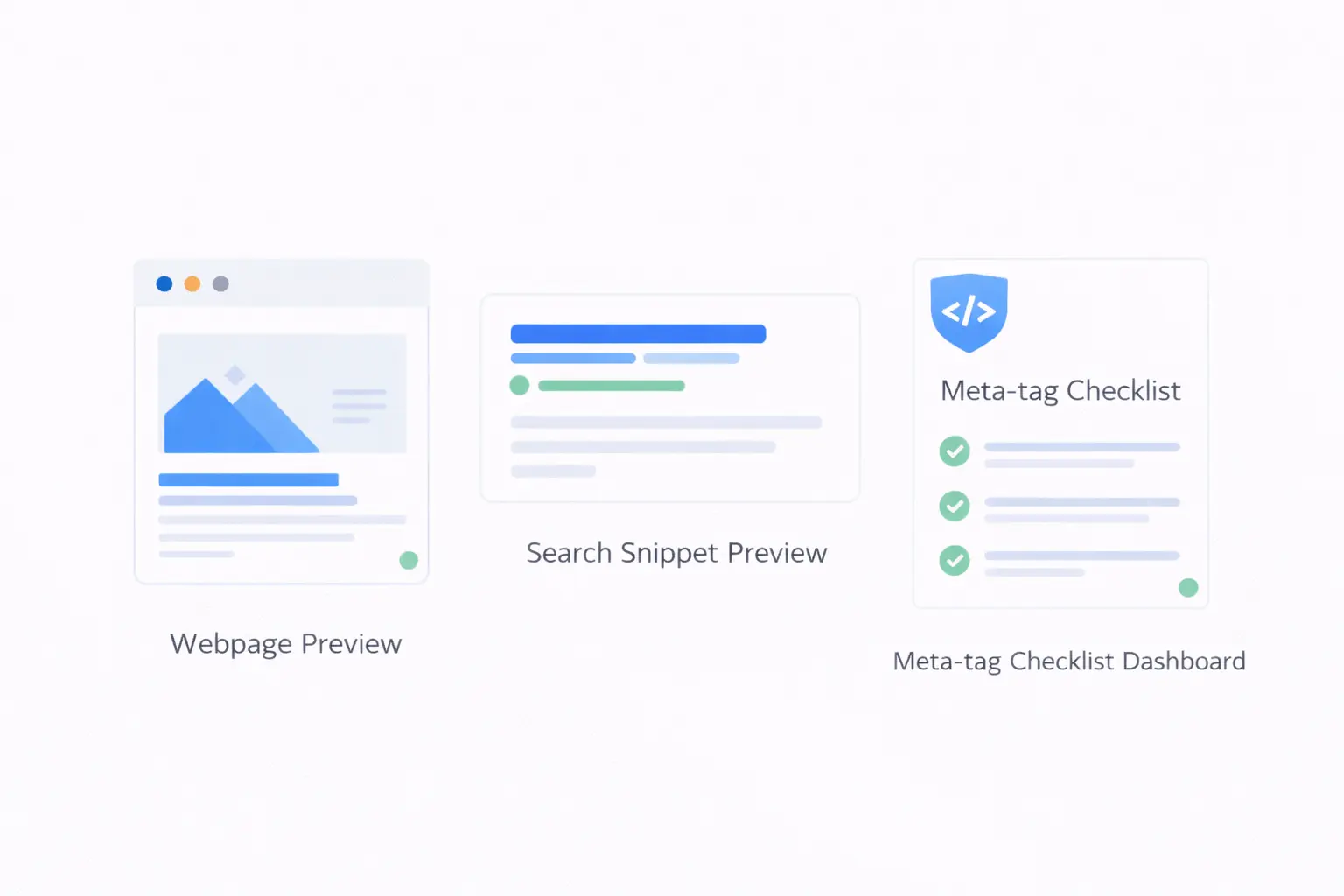
Meta tags are the first thing search engines read about your page, and the first thing users see in search results. A well-crafted title tag and meta description can be the difference between a click and a scroll-past.
Yet many websites neglect their meta tags entirely — running with auto-generated defaults, missing tags, or descriptions that do not reflect the page content. This guide covers which meta tags matter, how to write effective ones, and how to audit your existing tags for quick SEO wins.
Which Meta Tags Actually Matter?
There are dozens of possible meta tags, but only a handful have a meaningful impact on SEO and click-through rates.
1. Title Tag
The single most important on-page SEO element.
<title>Free Online PDF Tools - Split, Merge & Compress | ToolByte</title>
Why it matters:
- Displayed as the clickable headline in search results
- Used by search engines as a primary ranking signal
- Shown in browser tabs and bookmarks
- Shared when someone pastes your link in messages
Best practices:
- Keep it under 60 characters (Google truncates longer titles)
- Place your primary keyword near the beginning
- Include your brand name, separated by a pipe or dash
- Make it descriptive and specific — avoid generic titles
- Each page should have a unique title
2. Meta Description
<meta name="description" content="Split, merge, compress, and convert PDFs for free. No sign-up required. Fast, reliable PDF tools that run in your browser.">
Why it matters:
- Displayed as the snippet text in search results
- Directly influences click-through rate (CTR)
- Not a direct ranking factor, but higher CTR can improve rankings indirectly
Best practices:
- Keep it between 120–160 characters
- Include the primary keyword naturally
- Write it as a compelling summary, not a keyword list
- Include a call to action when appropriate
- Each page should have a unique description
3. Open Graph Tags
<meta property="og:title" content="Free Online PDF Tools | ToolByte">
<meta property="og:description" content="Split, merge, compress, and convert PDFs for free.">
<meta property="og:image" content="https://toolbyte.duodev.in/images/pdf-tools-og.jpg">
<meta property="og:url" content="https://toolbyte.duodev.in/pdf-tools/split">
<meta property="og:type" content="website">
Why they matter:
- Control how your page appears when shared on Facebook, LinkedIn, and other platforms
- An attractive share preview dramatically increases engagement
- The
og:imageis often the make-or-break factor for social clicks
4. Twitter Card Tags
<meta name="twitter:card" content="summary_large_image">
<meta name="twitter:title" content="Free Online PDF Tools | ToolByte">
<meta name="twitter:description" content="Split, merge, compress, and convert PDFs for free.">
<meta name="twitter:image" content="https://toolbyte.duodev.in/images/pdf-tools-twitter.jpg">
Similar to Open Graph but specific to Twitter/X. If you already have OG tags, Twitter will fall back to those, but dedicated Twitter cards give you more control.
5. Canonical Tag
<link rel="canonical" href="https://toolbyte.duodev.in/pdf-tools/split">
Why it matters:
- Tells search engines which version of a page is the "official" one
- Prevents duplicate content issues when the same content is accessible at multiple URLs
- Essential for pages with query parameters, tracking codes, or www/non-www variations
6. Robots Meta Tag
<meta name="robots" content="index, follow">
Controls whether search engines should index the page and follow its links. Use noindex for pages that should not appear in search results (admin pages, thank-you pages, duplicate content).
7. Viewport Meta Tag
<meta name="viewport" content="width=device-width, initial-scale=1">
Not a traditional SEO tag, but Google's mobile-first indexing makes it essential. Without it, your page may not render correctly on mobile devices, which directly impacts rankings.
Meta Tags That Do NOT Help SEO
Some meta tags are widely believed to help with SEO but have no actual impact:
<meta name="keywords">— Google has officially stated it ignores this tag. It was deprecated due to widespread abuse.<meta name="author">— Not used for ranking purposes.<meta name="revisit-after">— Search engines set their own crawl schedules and ignore this.<meta name="rating">— Not used by major search engines for ranking.
Do not waste time optimizing tags that search engines ignore.
How to Write High-Performing Title Tags
Formula 1: Keyword + Benefit + Brand
Free PDF Merge Tool - Combine PDFs Instantly | ToolByte
Formula 2: Action + Target + Qualifier
Minify JavaScript Online - Fast & Free JS Minifier
Formula 3: Question Format
How to Generate an XML Sitemap? Free Sitemap Generator
What to Avoid
- Keyword stuffing: "PDF Tool PDF Merge PDF Split PDF Free PDF Online"
- Vague titles: "Home" or "Welcome to Our Website"
- Duplicate titles: Every page having the same title
- Clickbait: Titles that do not match the page content
How to Write Meta Descriptions That Get Clicks
Think of your meta description as an advertisement for the page. You have about 150 characters to convince someone to click.
Effective Examples
For a tool page:
"Minify CSS files instantly — remove whitespace, comments, and redundant code. Free, browser-based, and no account needed. Paste your CSS and go."
For a guide:
"Step-by-step guide to XML sitemaps. Learn what they are, how to generate one, and how to submit it to Google Search Console for better indexing."
For a product page:
"ToolByte offers 50+ free developer tools — code minifiers, formatters, validators, PDF tools, and more. Built for speed and simplicity."
The Pattern
- Start with what the page offers
- Highlight a key benefit or differentiator
- End with a call to action or key qualifier
How to Analyze Your Meta Tags
Manually checking meta tags by viewing page source is tedious and error-prone. A systematic analysis is more effective.
Using the Meta Tag Analyzer
The Meta Tag Analyzer on ToolByte lets you enter any URL and instantly see:
- Title tag — Content and character count
- Meta description — Content and character count
- Open Graph tags — All OG properties and their values
- Twitter Card tags — Card type and content
- Canonical URL — Whether one is set and where it points
- Robots directives — Indexing and follow status
- Other meta tags — Viewport, charset, and any custom tags
This gives you a complete picture of how search engines and social platforms see your page.
What to Look For
When analyzing your meta tags, check for:
- Missing tags — No title, no description, no OG image
- Truncated content — Title over 60 characters, description over 160
- Duplicate content — Same title and description across multiple pages
- Missing canonical — Especially important for pages accessible at multiple URLs
- Keyword absence — Primary keyword not present in title or description
- Missing OG image — Social shares without images get dramatically fewer clicks
Competitor Analysis
One of the most valuable uses of a meta tag analyzer is studying your competitors. Enter their URLs and see:
- What keywords they target in their title tags
- How they structure their meta descriptions
- What OG images they use for social sharing
- Whether they use structured data
This gives you concrete data for improving your own tags.
A Quick Meta Tag Audit Checklist
Run through this checklist for every important page on your site:
- [ ] Title tag present and under 60 characters
- [ ] Primary keyword in the title, preferably near the beginning
- [ ] Meta description present and between 120–160 characters
- [ ] Description includes the primary keyword naturally
- [ ] Description reads as a compelling summary, not a keyword list
- [ ] Open Graph title, description, and image are set
- [ ] OG image is at least 1200x630 pixels
- [ ] Canonical tag points to the correct URL
- [ ] Robots tag allows indexing (unless the page should be excluded)
- [ ] Viewport tag is present for mobile rendering
Implementing Fixes
Once you identify issues, the fixes are usually straightforward:
- Static HTML sites — Edit the
<head>section directly - WordPress — Use Yoast SEO or Rank Math to set titles and descriptions per page
- Laravel/PHP — Set meta tags in your blade templates or use a meta tag package
- React/Next.js — Use the
<Head>component or metadata API - Vue/Nuxt — Use
useHead()composable ornuxt.configmeta settings
Conclusion
Meta tags are one of the few SEO elements entirely within your control. You do not need to wait for backlinks, domain authority, or algorithm updates. You can improve your title tags and meta descriptions today and see results in search rankings and click-through rates within weeks.
Start by analyzing your current meta tags with the Meta Tag Analyzer on ToolByte. Identify the gaps, fix the issues, and monitor the results. It is one of the highest-ROI activities in on-page SEO.
For more SEO and developer tools, explore the full ToolByte suite — a free collection of professional tools built by Duo Dev Technologies. Check out the Duo Dev blog for more development insights and product updates.
Category: Tools
Tags: meta tags, SEO optimization, title tag, meta description, Open Graph, on-page SEO, search engine optimization, SEO tools, meta tag analyzer