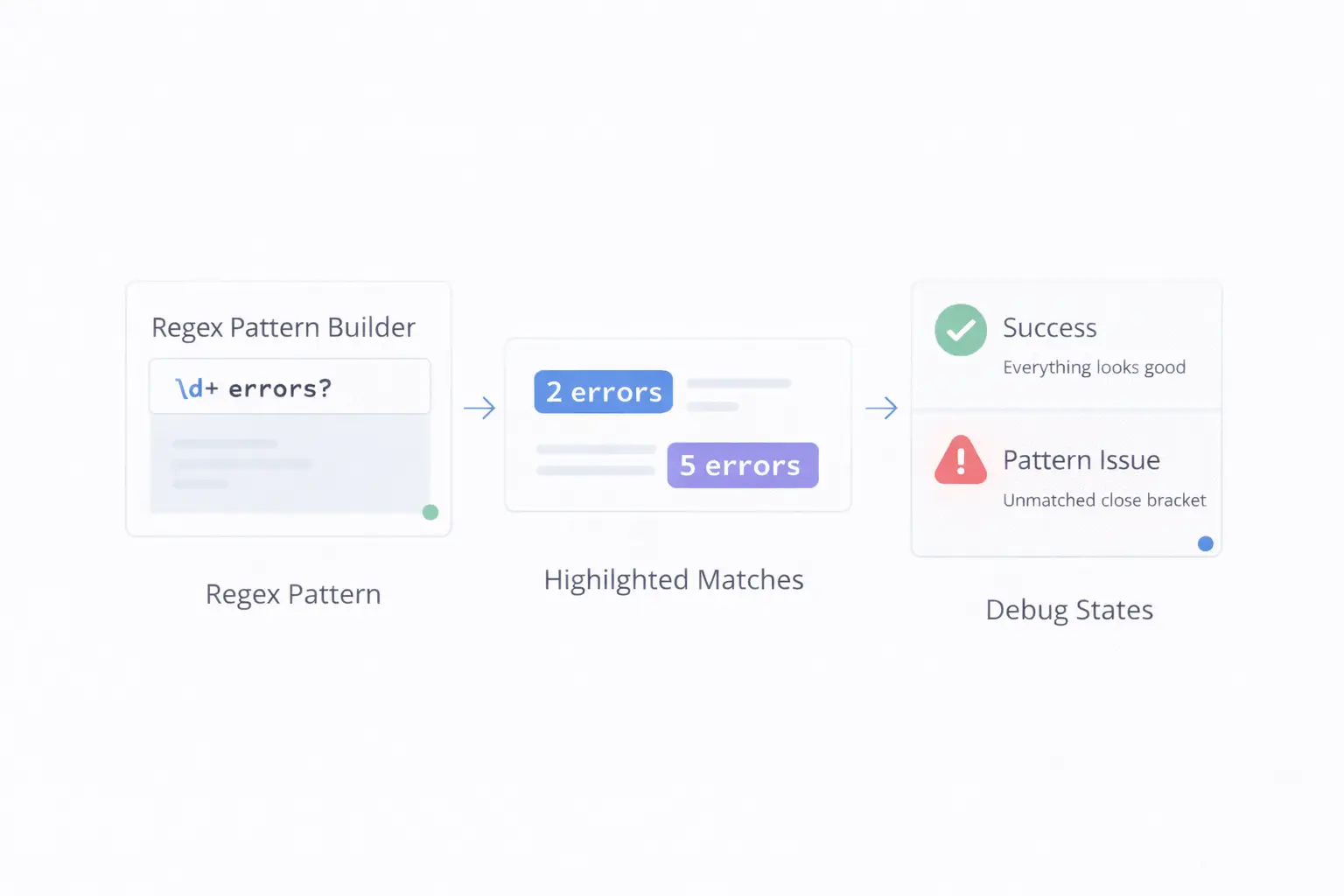
Regular expressions have a reputation for being cryptic, write-only code that looks like someone rolled their face across a keyboard. There is some truth to that — a complex regex can be genuinely hard to read. But most real-world regex patterns are built from a small set of simple building blocks, and once you understand those blocks, regex becomes a practical, powerful tool rather than a mysterious incantation.
This guide focuses on the patterns you will actually use. No academic theory, no obscure edge cases — just the practical knowledge to write, test, and debug regular expressions with confidence.
What Are Regular Expressions?
A regular expression (regex) is a pattern that describes a set of strings. You give the regex engine a pattern and a body of text, and it finds all strings that match the pattern.
They are used everywhere:
- Form validation — Checking email formats, phone numbers, postal codes
- Search and replace — Finding patterns in code editors or text processors
- Log parsing — Extracting timestamps, IP addresses, error codes from log files
- Data extraction — Pulling structured data from unstructured text
- URL routing — Matching URL patterns in web frameworks
Every major programming language supports regex: JavaScript, Python, PHP, Java, Go, Ruby, and more.
The Core Building Blocks
Literal Characters
The simplest regex matches exact text:
hellomatches the string "hello"2026matches the string "2026"
Character Classes
Square brackets define a set of characters to match:
[abc]matches "a", "b", or "c"[0-9]matches any digit[a-zA-Z]matches any letter[^0-9]matches anything that is not a digit
Shorthand Character Classes
Common patterns have shortcuts:
| Shorthand | Meaning | Equivalent |
|---|---|---|
\d |
Any digit | [0-9] |
\D |
Any non-digit | [^0-9] |
\w |
Word character | [a-zA-Z0-9_] |
\W |
Non-word character | [^a-zA-Z0-9_] |
\s |
Whitespace | [ \t\n\r\f] |
\S |
Non-whitespace | [^ \t\n\r\f] |
. |
Any character except newline | — |
Quantifiers
Control how many times a pattern repeats:
*— Zero or more times+— One or more times?— Zero or one time (optional){3}— Exactly 3 times{2,5}— Between 2 and 5 times{3,}— 3 or more times
Anchors
Match positions rather than characters:
^— Start of string (or line in multiline mode)$— End of string (or line in multiline mode)\b— Word boundary
Groups and Alternation
(abc)— Captures "abc" as a group(?:abc)— Non-capturing groupa|b— Matches "a" or "b"
Practical Regex Patterns You Will Use
Validate an Email Address (Basic)
^[a-zA-Z0-9._%+-]+@[a-zA-Z0-9.-]+\.[a-zA-Z]{2,}$
Breakdown:
^[a-zA-Z0-9._%+-]+— One or more valid local-part characters@— Literal @ symbol[a-zA-Z0-9.-]+— Domain name\.[a-zA-Z]{2,}$— Dot followed by at least 2 letters (TLD)
Note: Email validation via regex is inherently imperfect. This catches the most common formats. For production use, combine regex with actual email verification.
Match a URL
https?:\/\/[a-zA-Z0-9.-]+\.[a-zA-Z]{2,}(\/\S*)?
Matches both HTTP and HTTPS URLs with paths.
Extract IP Addresses
\b\d{1,3}\.\d{1,3}\.\d{1,3}\.\d{1,3}\b
Matches patterns like 192.168.1.1. Note that this does not validate ranges (it would match 999.999.999.999). For strict validation, add range checks.
Match a Date (YYYY-MM-DD)
\d{4}-(0[1-9]|1[0-2])-(0[1-9]|[12]\d|3[01])
Matches dates like 2026-03-04 with basic month and day validation.
Match a Phone Number (US Format)
(\+1[-.\s]?)?(\(?\d{3}\)?[-.\s]?)?\d{3}[-.\s]?\d{4}
Matches: 555-1234, (555) 123-4567, +1-555-123-4567, and variations.
Find HTML Tags
<([a-zA-Z][a-zA-Z0-9]*)\b[^>]*>(.*?)<\/\1>
Matches paired HTML tags. The \1 backreference ensures the closing tag matches the opening tag.
Important: Regex is not suitable for parsing complex HTML. Use a proper HTML parser for production code. Regex works fine for simple extraction tasks.
Match Hex Color Codes
#([a-fA-F0-9]{6}|[a-fA-F0-9]{3})\b
Matches both #FF5733 and #F53 format hex colors.
Validate a Strong Password
^(?=.*[a-z])(?=.*[A-Z])(?=.*\d)(?=.*[!@#$%^&*]).{8,}$
Requires at least: one lowercase letter, one uppercase letter, one digit, one special character, and minimum 8 characters total. Uses lookaheads (?=) to check multiple conditions without consuming characters.
Debugging Regex: A Systematic Approach
When a regex doesn't work as expected, follow this process:
Step 1: Simplify
Remove quantifiers and groups until you have the most basic version of the pattern. Verify it matches the literal text you expect.
Step 2: Add Back One Piece at a Time
Rebuild the pattern incrementally, testing after each addition. This pinpoints exactly which part causes the mismatch.
Step 3: Check Greedy vs. Lazy Matching
By default, quantifiers are greedy — they match as much text as possible. Adding ? makes them lazy (matching as little as possible):
.*is greedy: matches everything it can.*?is lazy: matches the minimum necessary
This distinction matters with patterns like <.*> (greedy, matches from the first < to the last >) vs. <.*?> (lazy, matches individual tags).
Step 4: Use a Visual Tool
The Regex Generator on ToolByte lets you build, test, and debug regular expressions with real-time match highlighting. Enter your pattern and test text, and see exactly what matches and what doesn't. This visual feedback loop is dramatically faster than guessing and running code.
Performance Considerations
Avoid Catastrophic Backtracking
Certain patterns can cause the regex engine to enter exponential-time backtracking:
# Dangerous - can hang on long strings
(a+)+$
When the engine fails to match, it tries every combination of how the nested + quantifiers can divide the characters. On long strings, this takes minutes or hours.
Prevention: Avoid nested quantifiers that match the same characters. Use possessive quantifiers (++) or atomic groups where available.
Be Specific
Instead of .* (any character, any number of times), use more specific patterns:
# Vague
<div class=".*">

# Specific
<div class="[^"]*">
The specific version cannot backtrack through > characters, making it both faster and more correct.
Regex Across Languages
While the core syntax is consistent, there are differences between regex flavors:
| Feature | JavaScript | Python | PHP |
|---|---|---|---|
| Named groups | (?<name>...) |
(?P<name>...) |
(?P<name>...) |
| Lookbehind | Fixed-length only | Variable-length | Variable-length |
| Unicode | \u{1F600} |
\U0001F600 |
\x{1F600} |
| Flags | /pattern/gi |
re.IGNORECASE |
preg_match('/pattern/i', ...) |
Always check the documentation for your specific language when using advanced features.
Quick Reference
| Pattern | Matches |
|---|---|
. |
Any character except newline |
\d |
Digit (0-9) |
\w |
Word character (a-z, A-Z, 0-9, _) |
\s |
Whitespace |
^ |
Start of string |
$ |
End of string |
[abc] |
Any of a, b, c |
[^abc] |
Not a, b, or c |
a{3} |
Exactly 3 a's |
a{2,5} |
2 to 5 a's |
a* |
0 or more a's |
a+ |
1 or more a's |
a? |
0 or 1 a |
(abc) |
Capture group |
a|b |
a or b |
\b |
Word boundary |
Conclusion
Regular expressions are a skill that pays for itself quickly. The set of patterns most developers need is smaller than you might think — email validation, URL matching, date formats, and text extraction cover the majority of use cases.
The key to learning regex is practice with immediate feedback. The Regex Generator on ToolByte provides exactly that — a real-time environment to build, test, and refine patterns against your actual data. Bookmark it and use it whenever you need to write or debug a regex pattern.
For more developer tools including UUID generators, text formatters, code validators, and more, explore the full collection at ToolByte — built by Duo Dev Technologies.
Category: Tools
Tags: regular expressions, regex, regex generator, pattern matching, text processing, developer tools, regex tester, programming fundamentals, string validation