We recently audited why only a handful of ToolByte's own tool pages were showing up in Google. The site had a sitemap. It had a robots.txt. Both looked fine at a glance. The sitemap listed twelve URLs that redirected or returned errors, was missing five real pages, and robots.txt was blocking one tool page for every crawler including Googlebot.
None of that was visible from the home page. All of it was costing rankings. This guide is what we wish we had read first.
Key takeaways
- robots.txt controls crawling, not indexing. A blocked page can still appear in results; an unblocked page with
noindexwill not. - A sitemap is a list of pages you want indexed. Every URL in it should return 200, be canonical, and be a page you would want someone to land on.
- Accurate
lastmoddates earn trust. A sitemap that stamps today's date on every URL on every run teaches Google to ignore the field. - Submit the sitemap in Search Console once, then watch the Pages report. That report tells you exactly which URLs are excluded and why.
What each file is actually for
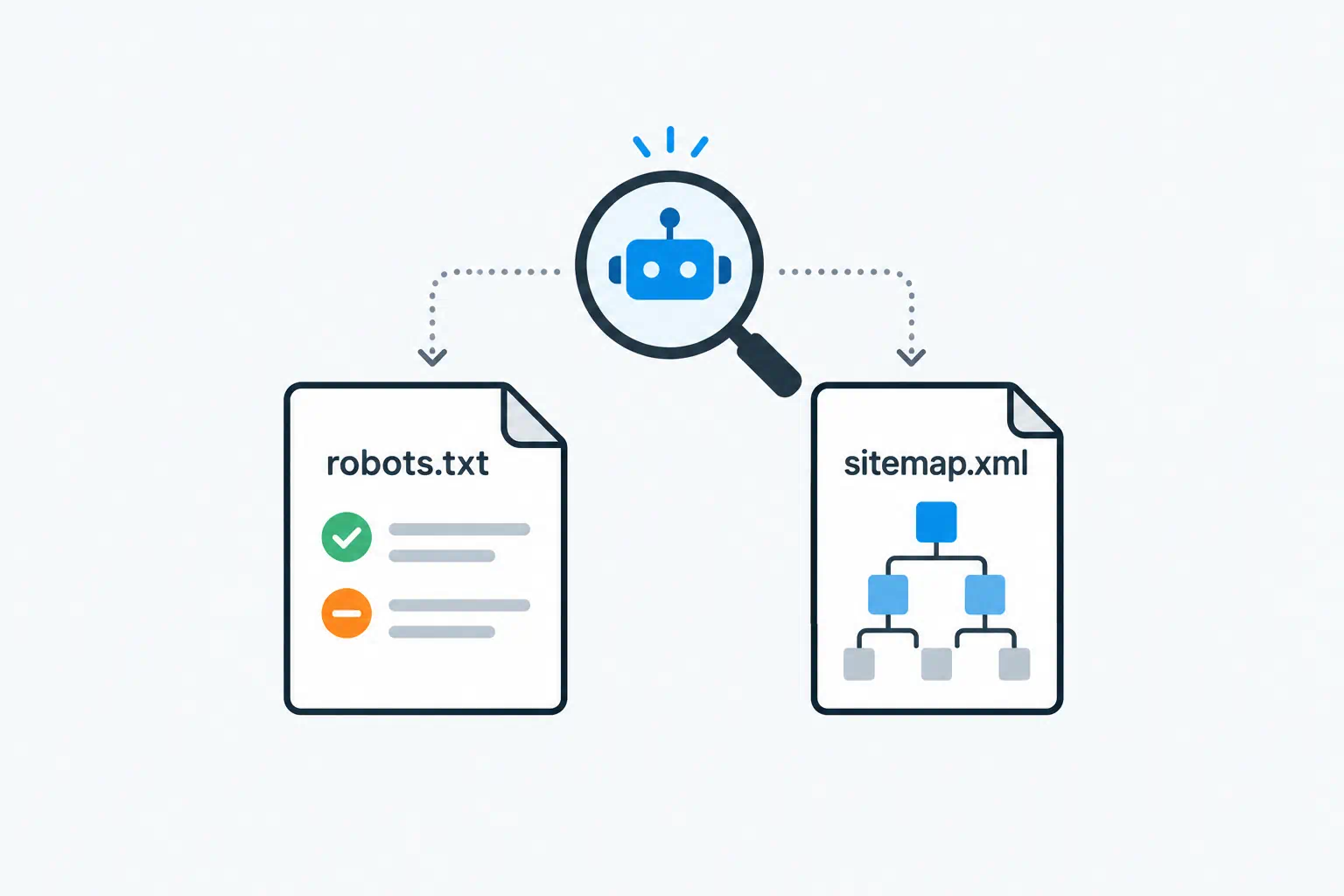
robots.txt lives at yoursite.com/robots.txt. It tells crawlers which paths they may fetch. It is advisory: well-behaved bots obey it, and the big search engines all do.
An XML sitemap lists the URLs you want search engines to know about, optionally with the date each last changed. It is a hint about what exists and what is new, not a command to index.
They work together like this: robots.txt says "you may look here", the sitemap says "here is what is worth looking at". A page blocked in robots.txt but listed in the sitemap sends a contradiction, and Search Console will flag it.
Writing robots.txt
A sane default for most sites is short:
User-agent: *
Disallow: /admin/
Disallow: /api/
Disallow: /search?

Sitemap: https://yoursite.com/sitemap.xml
Rules to keep in mind:
- Rules apply to the most specific user-agent group. If you have a
User-agent: Googlebotblock, Googlebot reads only that block and ignoresUser-agent: *. Copy your rules into both or do not create the specific block. - Blocking is by path prefix.
Disallow: /toolsblocks/tools,/tools/,/tools-listand/toolsmith. Add a trailing slash when you mean a directory. - Do not block CSS and JavaScript. Google renders pages. If it cannot load your styles, it may decide the page is broken or that content is hidden.
- Do not use robots.txt to hide pages. It is public, and blocking a URL does not remove it from the index; it just stops Google reading it, which means it may show in results with no description.
Crawl-delayis ignored by Google. Bing honours it. Leave it out unless Bing is overloading your server.
The Robots.txt Generator builds the file from a form, which is mainly useful for not making syntax mistakes. The thinking still has to be yours.
Mistake 1: blocking a page because it shares a URL with an endpoint
This was our bug. A PDF tool at /pdf-tools/pdf-to-image served the page on GET and processed uploads on POST at the same URL. Someone blocked the URL to stop bots hitting the upload endpoint, and blocked the page with it.
Crawlers only send GET requests. Block endpoints that have their own paths (/api/, /upload); never block a URL that also serves a page.
Mistake 2: a separate Googlebot block with fewer rules
Teams add a User-agent: Googlebot section intending to relax one rule, forget it replaces the whole * group for Google, and either block too much or too little. If you need a Googlebot section, make it complete.
Building the sitemap
The format is simple:
<?xml version="1.0" encoding="UTF-8"?>
<urlset xmlns="http://www.sitemaps.org/schemas/sitemap/0.9">
  <url>
    <loc>https://yoursite.com/pricing</loc>
    <lastmod>2026-07-14</lastmod>
  </url>
</urlset>
<loc> is required. <lastmod> is optional but valuable when it is true. <changefreq> and <priority> are ignored by Google, so do not spend time on them.
The XML Sitemap Generator crawls your site from a starting URL, follows internal links and produces the file. That is the right starting point for a static or hand-built site. For a site with a CMS or framework, generate the sitemap from your route table or database instead, so it stays accurate as pages change, and have your deploy regenerate it.
Mistake 3: listing URLs that do not return 200
Our old sitemap included seven URLs that 301-redirected to their replacement, three that returned 410 and two that 404'd. Each one is a wasted crawl and a signal that the sitemap is unreliable.
Before submitting, fetch every URL in the sitemap and confirm it returns 200. A one-line shell loop over the file does it:
grep -o '<loc>[^<]*' sitemap.xml | sed 's/<loc>//' | while read u; do
  echo "$(curl -s -o /dev/null -w '%{http_code}' "$u") $u"
done | grep -v '^200'
Anything that prints is a problem.
Mistake 4: lastmod that is always today
If the generator writes now() into every entry, every page claims to have changed every day. Google learns within a few runs that the dates are meaningless and stops using them to prioritise recrawls. Then a page you genuinely updated waits in line behind pages that did not change.
Use the real modification date: the file timestamp, the database updated_at, the commit date. If you do not know when a page changed, omit lastmod for that entry rather than lie.
Mistake 5: missing pages, orphan pages and non-canonical URLs
Three related problems:
- Missing pages. Our sitemap was built from a config list, and five live pages were not in the config. Generate from the same source of truth that serves the pages.
- Orphan pages. A page in the sitemap with no internal links pointing to it looks unimportant. The sitemap gets it discovered; links get it ranked. Every page you care about should be reachable by clicking from the home page.
- Non-canonical URLs. If
/tools?category=pdfand/tools/category/pdfserve the same thing, pick one, set<link rel="canonical">on both, and list only the canonical in the sitemap. Parameter URLs in a sitemap are the most common form of this.
Submitting and monitoring
- Reference the sitemap in robots.txt with the
Sitemap:line. - In Google Search Console, go to Sitemaps, add the URL, submit. Do this once; resubmitting does not speed anything up.
- Wait a few days, then open Pages (formerly Coverage). The "Why pages aren't indexed" table is the most useful screen in Search Console. "Excluded by noindex tag", "Blocked by robots.txt", "Redirect error", "Crawled, currently not indexed" and "Discovered, currently not indexed" each point at a different fix.
- For individual pages you have just fixed, use URL Inspection → Request indexing. This genuinely moves a page up the queue.
"Discovered, currently not indexed" deserves a note. It means Google knows the URL and chose not to fetch it yet. The usual causes are thin content, no internal links, or a site that has given Google a lot of low-value URLs in the past. The sitemap cannot fix that; better pages and better linking can.
A checklist you can run in ten minutes
- [ ]
robots.txtloads, has no syntax errors, and references the sitemap. - [ ] No rule blocks a page you want indexed. Check for URLs shared between pages and endpoints.
- [ ] If a
Googlebotgroup exists, it is complete. - [ ] Every URL in the sitemap returns 200.
- [ ] Every URL in the sitemap is the canonical URL.
- [ ]
lastmodreflects real changes. - [ ] Every important page is in the sitemap and linked from somewhere on the site.
- [ ] Sitemap submitted in Search Console; Pages report reviewed.
Run the SEO Analyzer on a few key pages afterwards. It checks the per-page side of the same story: canonical tags, meta robots, titles and descriptions.
Frequently asked questions
Does a sitemap guarantee my pages get indexed?
No. It guarantees Google knows they exist. Indexing depends on the page being crawlable, canonical, not blocked, and worth indexing. A sitemap mostly speeds up discovery of new and changed pages.
How often should I regenerate the sitemap?
Whenever pages are added, removed or changed. If that happens on deploy, regenerate on deploy. A daily or every-few-days scheduled regeneration is a reasonable backstop.
Should I use noindex or robots.txt to keep a page out of search?
noindex (a meta tag or X-Robots-Tag header). Google has to crawl the page to see it, so do not also block it in robots.txt, or the noindex is never read.
Is there a limit on sitemap size?
50,000 URLs or 50 MB uncompressed per file. Past that, split into multiple sitemaps and list them in a sitemap index file.