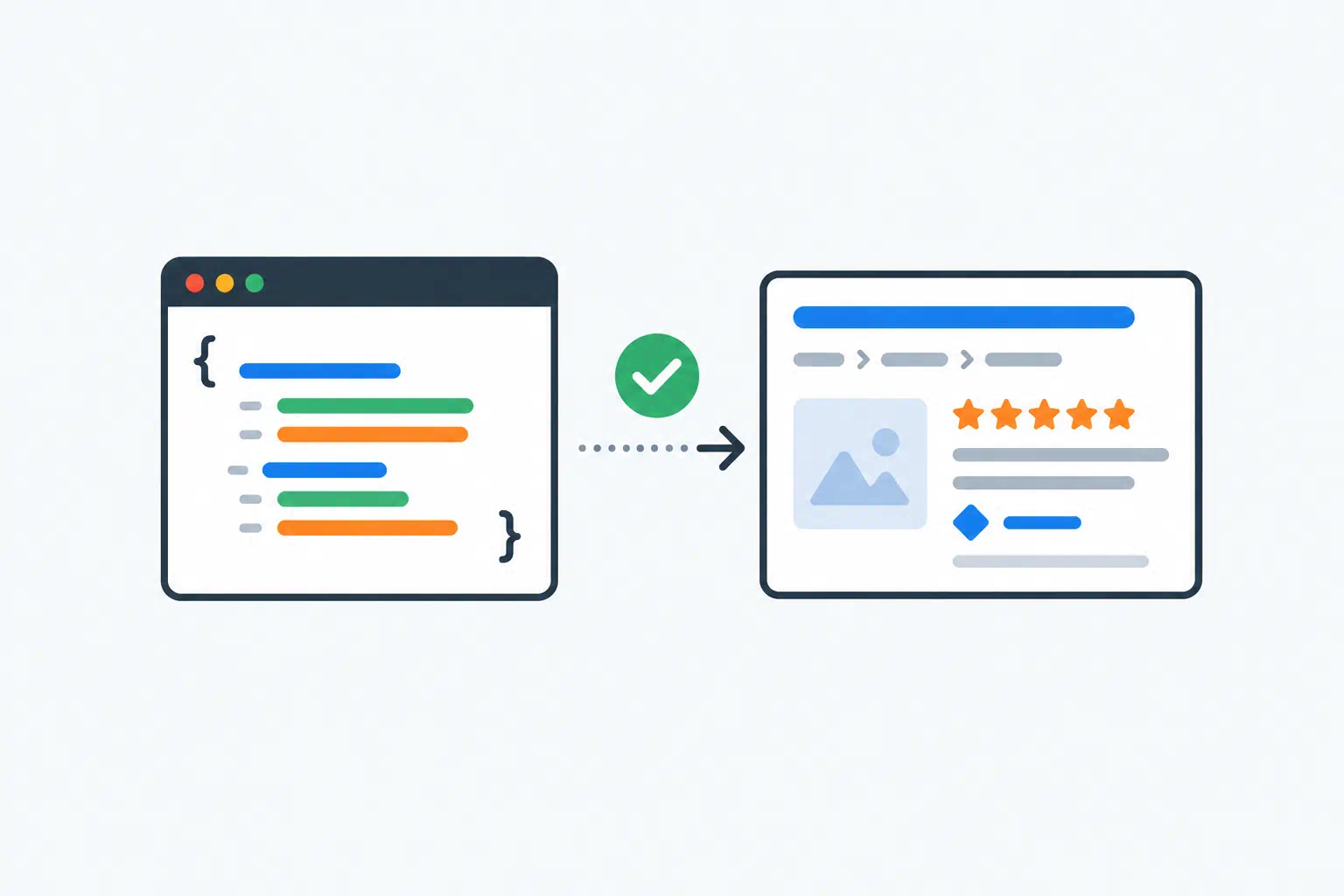
Structured data is the part of SEO with the best ratio of effort to result and the worst ratio of explanation to clarity. Most guides either list all 800 schema.org types or hand-wave about "helping Google understand your content". Here is the practical version: what it is, the handful of types worth adding, how to write them correctly, and how to check.
Key takeaways
- JSON-LD is a block of JSON in a
<script>tag that describes what the page is about in a vocabulary search engines share. It does not change what visitors see. - Only a few types produce visible changes in search results. Start with those; ignore the rest until you have a reason.
- Structured data must describe content that is actually on the page. Marking up five-star reviews that do not exist is the fastest way to a manual penalty.
- Validate every block. One missing comma silently disables the whole thing.
What JSON-LD looks like
Here is a complete, valid example for a blog post:
<script type="application/ld+json">
{
  "@context": "https://schema.org",
  "@type": "BlogPosting",
  "headline": "Schema Markup for Beginners",
  "datePublished": "2026-08-13",
  "author": { "@type": "Organization", "name": "ToolByte" },
  "image": "https://toolbyte.duodev.in/assets/images/blogs/schema-guide.webp"
}
</script>
@context says which vocabulary you are using (always schema.org). @type says what kind of thing this is. Everything else is properties of that thing. The block goes in the page <head> or anywhere in the <body>; position does not matter.
JSON-LD replaced two older formats, Microdata and RDFa, that spread attributes across your HTML. Google recommends JSON-LD, and it is far easier to maintain because the markup is separate from the template.
The types that change what people see
Search engines use structured data for two things: understanding, which is invisible, and rich results, which are visible. Only certain types are eligible for rich results, and the list shrinks over time. As of 2026, these are the ones that reliably show something:
| Type | Where it applies | What it can show |
|---|---|---|
Article / BlogPosting |
News and blog content | Headline, image and date in Top Stories and some result cards |
Product with Offer |
Product pages | Price, availability, review stars |
Event |
Event pages | Date, location, ticket link |
LocalBusiness |
Business home pages | Hours, address, phone in the knowledge panel |
Recipe |
Recipe pages | Image, rating, cook time |
FAQPage |
Pages with a Q&A section | Expandable questions under the result (now limited to authoritative government and health sites for most queries, but still used for understanding) |
BreadcrumbList |
Any page with breadcrumbs | The breadcrumb path replaces the raw URL in the result |
Organization |
Site home page | Logo and details in the knowledge panel |
WebSite with SearchAction |
Site home page | A search box under the brand result for navigational queries |
Types you will see recommended but that do little on their own: WebPage, Person (outside of author attribution), SoftwareApplication without ratings, HowTo (rich result retired in 2023). Adding them is harmless; expecting results from them is a mistake.
Rules that keep you out of trouble
Mark up what is on the page. Google's guideline is explicit: structured data must be representative of visible content. If the Product markup says the price is $49 and the page says $59, expect a warning. If the markup includes aggregateRating and the page shows no reviews, expect a penalty.
One main entity per page. A product page has one Product. A blog post has one BlogPosting. You can add BreadcrumbList and Organization alongside, but do not describe three products on one page unless it is genuinely a list, in which case use ItemList.
Required properties are required. Each rich result type has a short list of properties Google needs. Product needs name and either offers, review or aggregateRating. Event needs name, startDate and location. Missing a required property means no rich result, and the testing tool will tell you.
Use absolute URLs and ISO dates. "image": "/img/photo.jpg" is wrong; "https://yoursite.com/img/photo.jpg" is right. Dates are 2026-08-13 or 2026-08-13T09:00:00+05:30, never "13 Aug 2026".
Do not duplicate blocks. Two WebSite blocks on one page (one from a plugin, one from the theme) is a common accident. Validators will show both; Google picks one unpredictably.
Writing the markup
For a one-off page, the Schema Generator is the quickest route. Pick the type (Article, Product, Event, FAQ, Local Business, Person, Recipe), fill in the form, and copy the generated JSON-LD into your page. It emits the required properties in the right shape, which removes the most common source of errors.
For a template that produces many pages, generate the JSON from your data in code. Serialise with a proper JSON library rather than string concatenation; the escaping of quotes in titles is where hand-built markup breaks. In PHP, json_encode with JSON_UNESCAPED_SLASHES; in JavaScript, JSON.stringify.
A pattern that works well for FAQ sections is to store the questions and answers once, render them as visible HTML, and build the FAQPage block from the same array. The markup can never drift from the content because they share a source.
Validating before Google does
Three levels of checking, in order:
- Is it valid JSON? Paste the block (without the
<script>tags) into the JSON Validator. A trailing comma after the last property is the most common failure, and it disables the entire block silently. - Is it valid schema? Google's Rich Results Test (search.google.com/test/rich-results) fetches the live page, finds every block and reports errors, warnings and which rich results the page is eligible for. The Schema Markup Validator at validator.schema.org checks against the full vocabulary, including types Google does not use.
- Is it on the live site? Run the Meta Tag Analyzer against the published URL. It shows you what a crawler receives, which catches the case where the markup is in your template but a caching layer or minifier stripped it.
After publishing, Search Console's Enhancements section lists each rich result type it found across the site, with per-URL errors. Check it a week after any template change.
A starting set for a typical site
If you have nothing yet, this is a sensible first pass that takes an afternoon:
- Home page:
Organization(name, URL, logo, social profiles viasameAs) andWebSite. - Every page:
BreadcrumbListmatching the visible breadcrumbs. - Blog posts:
BlogPostingwithheadline,datePublished,dateModified,author,image. - Product pages, if any:
ProductwithOffer, andaggregateRatingonly if real reviews are shown. - Pages with a real FAQ section:
FAQPage.
Then stop. More types will not help until there is a specific result you are trying to earn.
Frequently asked questions
Does schema markup improve rankings?
Not directly. It can improve how your result looks, which improves click-through rate, and it helps search engines understand the page, which can help it match more queries. It is not a ranking factor by itself.
Where should the JSON-LD block go?
Anywhere in the HTML. The <head> is conventional and keeps it near the other metadata. Google reads it wherever it is, including blocks injected by JavaScript, though server-rendered markup is more reliable.
Can I have more than one block on a page?
Yes. One block per entity is fine: a BlogPosting, a BreadcrumbList and an Organization on the same page is normal. Avoid two blocks of the same type describing the same thing.
How long until rich results appear?
After Google recrawls the page, which is anywhere from a day to a few weeks. Use URL Inspection in Search Console to request a recrawl after adding markup, and check the Rich Results Test first so you are not waiting on a page with errors.
Tools used in this guide
- Schema Generator
- JSON Validator
- JSON Beautifier for reading minified blocks on other sites
- Meta Tag Analyzer