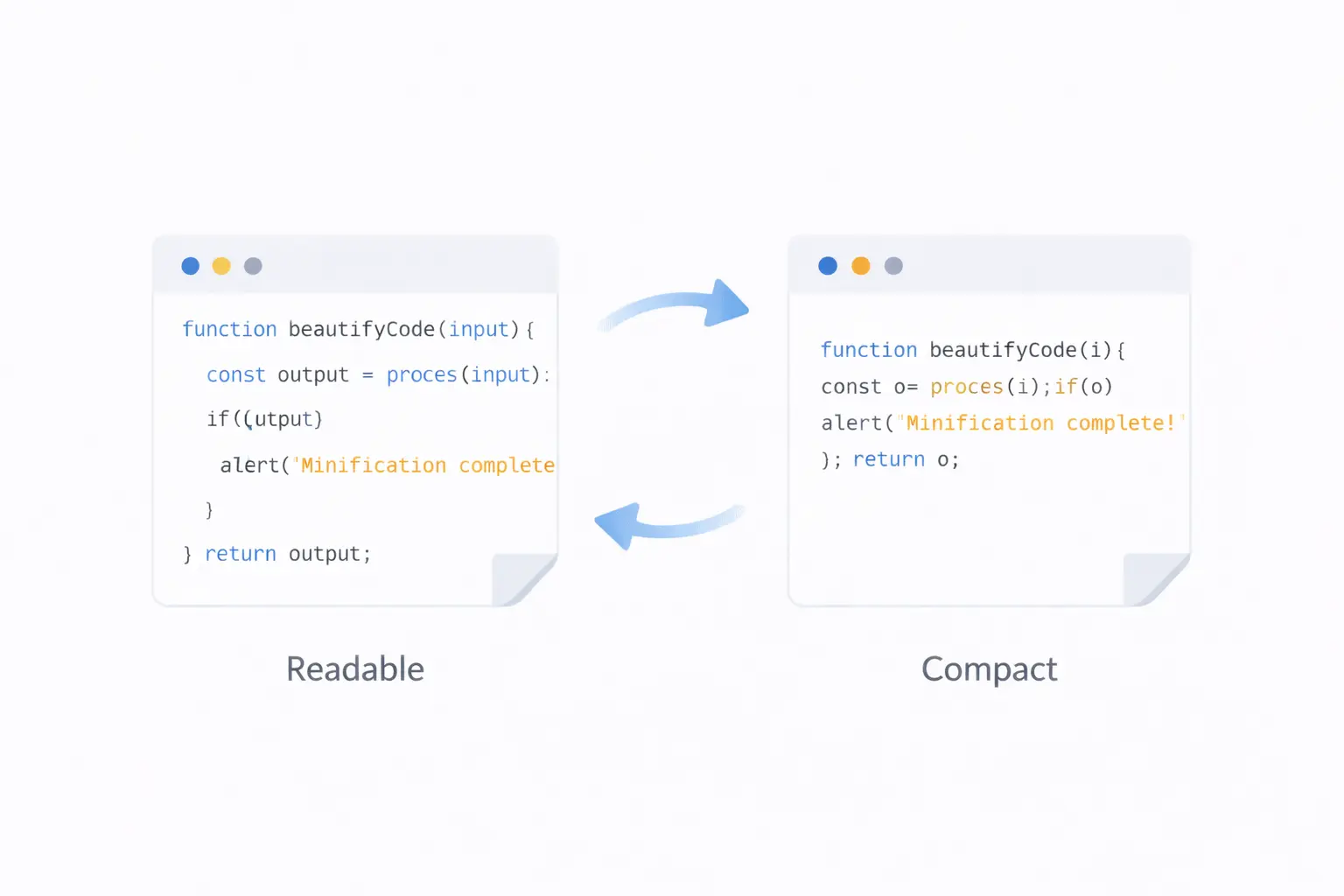
Developers encounter two seemingly opposite operations regularly: beautifying code to make it readable, and minifying code to make it small. On the surface, they appear contradictory — one adds whitespace and formatting, the other strips it away.
In practice, they serve complementary roles in a professional development workflow. Understanding when to use each, and having reliable tools for both, will make you a more effective developer.
What Is Code Beautification?
Code beautification (also called formatting or prettifying) transforms code into a consistent, readable format by applying:
- Consistent indentation — Tabs or spaces at uniform depth
- Line breaks — Each statement or declaration on its own line
- Spacing — Consistent spacing around operators, colons, and braces
- Alignment — Properties and values aligned for visual clarity
Before Beautification (Minified CSS)
.header{display:flex;justify-content:space-between;align-items:center;padding:1rem 2rem;background:#1a1a2e;color:#fff}.header .logo{font-size:1.5rem;font-weight:700}.header .nav a{color:#e0e0e0;text-decoration:none;margin-left:1.5rem}
After Beautification
.header {
    display: flex;
    justify-content: space-between;
    align-items: center;
    padding: 1rem 2rem;
    background: #1a1a2e;
    color: #fff;
}

.header .logo {
    font-size: 1.5rem;
    font-weight: 700;
}

.header .nav a {
    color: #e0e0e0;
    text-decoration: none;
    margin-left: 1.5rem;
}
The code is functionally identical. The beautified version is dramatically easier to read, understand, and maintain.
What Is Code Minification?
Code minification transforms code into the smallest possible form by removing:
- All whitespace — Spaces, tabs, newlines
- Comments — Developer notes that browsers ignore
- Unnecessary characters — Trailing semicolons, optional quotes
- Redundant data — Shortening hex colors, removing default values (in advanced minifiers)
Before Minification (Beautified JavaScript)
// Calculate the total price with tax
function calculateTotal(items, taxRate) {
    let subtotal = 0;

    for (let i = 0; i < items.length; i++) {
        subtotal += items[i].price * items[i].quantity;
    }

    const tax = subtotal * taxRate;
    const total = subtotal + tax;

    return {
        subtotal: subtotal,
        tax: tax,
        total: total
    };
}
After Minification
function calculateTotal(t,e){let l=0;for(let o=0;o<t.length;o++)l+=t[o].price*t[o].quantity;const a=l*e;return{subtotal:l,tax:a,total:l+a}}
The minified version is about 60% smaller. Every byte saved translates to faster loading for your users.
When to Beautify
1. Debugging Minified Code
You receive a bug report in production. The stack trace points to line 1, character 4,823 of a minified file. Without a beautifier, finding that location is nearly impossible.
Paste the minified code into a beautifier, and suddenly you can read the logic, trace the flow, and find the bug.
2. Reading Third-Party Code
You are integrating a library or API response and the code or data is compressed. Beautifying it makes the structure visible.
3. Code Review
Minified or poorly formatted code is hard to review. Beautifying it before review ensures consistency and readability.
4. Learning and Understanding
When studying how a website works by inspecting its source, beautified code is the only way to understand the logic.
5. Standardizing Formatting
When multiple developers work on a file with different editor settings, a beautifier normalizes the formatting to a consistent style.
When to Minify
1. Production Deployment
Every CSS, JavaScript, and HTML file served to users should be minified. There is no reason to send whitespace and comments to browsers.
2. API Responses
JSON responses benefit from minification, especially for high-traffic APIs. The whitespace in prettified JSON can double the payload size.
3. Email Templates
HTML email templates should be minified to reduce size and avoid rendering issues with certain email clients that can be sensitive to whitespace.
4. Embedded Code
When embedding CSS or JavaScript inline in HTML, minified code reduces the overall page size.
5. Configuration Files in Production
XML and JSON configuration files served to applications at scale benefit from minification.
The Complete Toolset
Beautifiers Available on ToolByte
Each beautifier is language-specific, ensuring the formatting rules match the language conventions:
- HTML Beautifier — Formats HTML markup with proper tag indentation and attribute alignment
- CSS Beautifier — Applies consistent spacing, indentation, and line breaks to stylesheets
- JavaScript Beautifier — Formats JS with clean structure, proper brace placement, and indentation
- JSON Beautifier — Prettifies JSON with configurable indentation (2 or 4 spaces)
- XML Beautifier — Formats XML documents with proper nesting and line breaks
Minifiers Available on ToolByte
Each minifier is purpose-built for its language:
- HTML Minifier — Compresses HTML by removing whitespace, comments, and optional tags
- CSS Minifier — Strips whitespace, shortens colors, and removes redundant semicolons
- JavaScript Minifier — Compresses JS while preserving functionality
- JSON Minifier — Removes all formatting whitespace from JSON data
- XML Minifier — Compresses XML by removing whitespace between tags
All tools run in your browser on ToolByte — paste your code, click the button, and copy the result.
Adding Validators to the Mix
Beyond beautification and minification, validating your code catches errors that both operations can mask:
- A beautifier will format invalid HTML just as happily as valid HTML
- A minifier will compress broken JSON without warning you about the syntax error
ToolByte also provides validators that check your code for structural issues:
- HTML Validator — Checks tag nesting, required attributes, and common markup errors
- CSS Validator — Validates syntax, braces, and declaration formatting
- JSON Validator — Shows exact parsing errors with line and position
- XML Validator — Checks well-formedness and structure
The ideal workflow: Validate first, then beautify for development or minify for production.
A Professional Workflow
Here is how beautifiers and minifiers fit into a real development workflow:
During Development
- Write code in your editor with auto-formatting
- Beautify any code you receive from external sources
- Validate before committing to catch syntax errors
- Commit well-formatted code to version control
Before Production
- Validate all assets one final time
- Minify HTML, CSS, and JavaScript
- Generate source maps so you can debug production issues
- Deploy the minified versions
- Verify file sizes dropped as expected
During Debugging
- Copy the minified production code
- Beautify it to make it readable
- Find and fix the issue in the source code
- Minify and redeploy
Build Tool Integration
While online tools are perfect for one-off tasks, integrate minification into your build pipeline for automation:
| Build Tool | Beautifier Plugin | Minifier Plugin |
|---|---|---|
| Webpack | prettier-webpack-plugin |
TerserPlugin, css-minimizer-webpack-plugin |
| Vite | Built-in (dev mode) | Built-in (production build) |
| Gulp | gulp-prettier |
gulp-htmlmin, gulp-clean-css, gulp-uglify |
| PostCSS | prettier |
cssnano |
Online tools like ToolByte remain valuable for:
- Quick one-off operations outside your project
- Working with code snippets from documentation or emails
- Debugging when you do not have your build tools available
- Testing and comparing output before configuring build plugins
Measuring the Impact
Track these metrics to understand the value of minification:
- File size reduction — Compare original and minified sizes. Expect 30–70% reduction for CSS and JS, 15–40% for HTML.
- Transfer size — Check network transfer sizes with gzip applied on top of minification. The combined savings are significant.
- Load time — Measure page load time before and after. Use tools like Google PageSpeed Insights or WebPageTest.
Conclusion
Beautifiers and minifiers are not competing tools — they are two sides of the same coin. Beautifiers make code human-readable during development. Minifiers make code machine-efficient for production. Using both at the right time is a mark of a professional workflow.
ToolByte provides the complete set — five beautifiers, five minifiers, and four validators — all free, all browser-based. Whether you need to format a messy JSON response, compress a CSS file for deployment, or validate an HTML template, the right tool is a browser tab away.
Built and maintained by Duo Dev Technologies, ToolByte is designed for developers who value their time and their code quality.
Category: Tools
Tags: code beautifier, code minifier, HTML formatter, CSS beautifier, JavaScript minifier, JSON formatter, XML beautifier, developer workflow, code quality, web development