PDFs are everywhere. Contracts, invoices, reports, resumes, technical documentation — the format is universal because it preserves layout across every device and operating system. But working with PDFs has always been frustrating. You need to extract two pages from a 50-page report, and suddenly you are searching for software, hitting paywalls, or uploading sensitive documents to random websites.
The truth is that most PDF tasks are simple operations that should not require expensive software or risky file uploads. This article covers the essential PDF operations every professional encounters and how to handle them with free, reliable tools.
The Six PDF Operations You Will Use Most
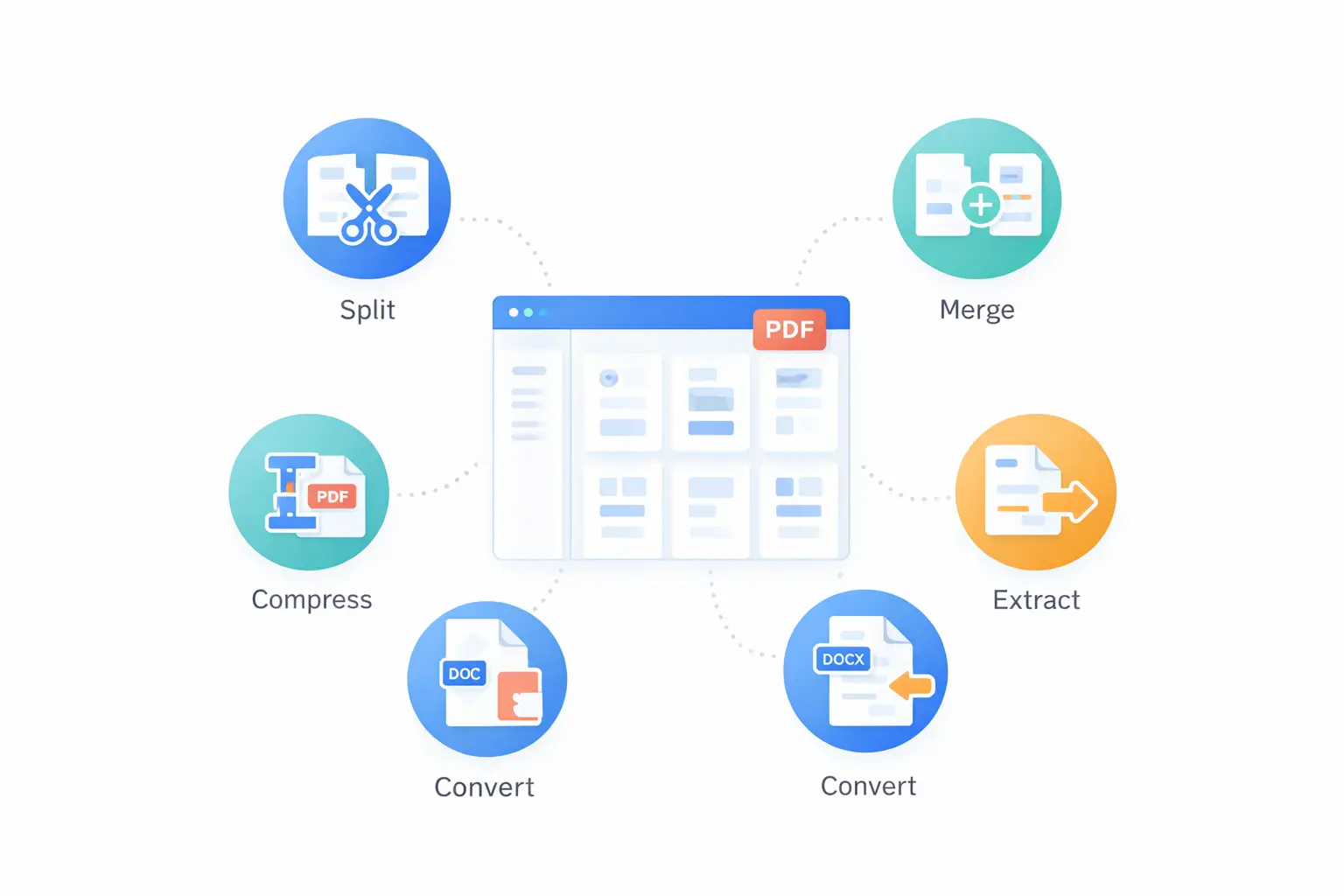
After observing how professionals across industries work with PDFs, the same six operations come up repeatedly:
- Splitting a PDF into smaller documents
- Merging multiple PDFs into one
- Compressing PDFs to reduce file size
- Converting PDF pages to images
- Converting images to PDF
- Extracting text from a PDF
If you have quick access to these six capabilities, you can handle the vast majority of PDF tasks without installing desktop software.
1. PDF Split: Extract the Pages You Need
The Problem
You receive a 40-page report but only need pages 12–18 for your presentation. Or a client sends a combined document that needs to be broken into separate files for different departments.
How It Works
PDF splitting lets you specify a page range and extract those pages into a new, standalone PDF. The original file stays unchanged.
Practical Use Cases
- Extracting a specific chapter from an ebook
- Separating individual invoices from a batch PDF
- Pulling a signature page from a contract
- Creating a summary document from a longer report
The PDF Split tool on ToolByte lets you upload a PDF, select the page range you need, and download the extracted pages as a new file. The processing happens quickly and produces clean output.
2. PDF Merge: Combine Multiple Files
The Problem
You have scanned documents, individual report sections, or separate forms that need to be combined into a single PDF for submission, archiving, or sharing.
How It Works
PDF merging takes two or more PDF files and concatenates them into one document, preserving the page order you specify.
Practical Use Cases
- Combining a cover letter and resume into one file
- Merging monthly reports into a quarterly document
- Assembling bid documents from multiple contributors
- Creating a portfolio from separate project PDFs
The PDF Merge tool on ToolByte supports multiple file uploads and lets you arrange the order before combining. The result is a single PDF ready for download.
3. PDF Compress: Reduce File Size
The Problem
You need to email a PDF but it exceeds the attachment size limit. Or you are storing hundreds of PDFs and the storage costs are adding up. Large PDFs also load slowly when shared via links.
How It Works
PDF compression reduces file size by optimizing embedded images, removing redundant data, and streamlining the internal structure. The visual quality remains acceptable for most purposes.
Practical Use Cases
- Compressing scanned documents that contain high-resolution images
- Reducing PDF size for email attachments (most providers cap at 25 MB)
- Optimizing PDFs for web hosting and faster downloads
- Archiving documents in a storage-efficient format
The PDF Compress tool on ToolByte reduces PDF file size while maintaining readability. Upload your file, and it processes the optimization without degrading the content.
4. PDF to Image: Convert Pages to PNG or JPG
The Problem
You need to insert a PDF page into a presentation, social media post, or website. Most platforms do not support embedding PDFs directly, but they do support images.
How It Works
Each page of the PDF is rendered as a high-quality image in PNG or JPG format. You get one image file per page.
Practical Use Cases
- Creating slide images from a PDF presentation
- Generating thumbnail previews for a document library
- Extracting charts or diagrams from reports
- Sharing a specific page on social media
The PDF to Image tool on ToolByte converts PDF pages to high-quality PNG or JPG. You can convert all pages or select specific ones.
5. Image to PDF: Create PDFs from Images
The Problem
You have photographed receipts, whiteboard notes, or design mockups and need to compile them into a PDF for sharing or archiving. Individual image files are messy and hard to manage as a collection.
How It Works
Multiple images are arranged in sequence and converted into a multi-page PDF with customizable page settings like orientation and margins.
Practical Use Cases
- Digitizing physical documents from phone photos
- Creating a PDF portfolio from design screenshots
- Compiling scanned receipts into an expense report
- Converting a set of diagrams into a single reference document
The Image to PDF tool on ToolByte accepts multiple images, lets you set page configuration, and generates a clean PDF.
6. PDF to Text: Extract Content
The Problem
You need to copy text from a PDF, but the formatting comes out garbled. Or you want to index PDF content for search, or extract data for further processing.
How It Works
The tool reads the text layer of the PDF and outputs clean, plain text that you can copy, edit, or process further.
Practical Use Cases
- Extracting article text for quoting or referencing
- Pulling data from PDF tables for spreadsheet import
- Copying content from research papers
- Indexing document content for a search system
The PDF to Text tool on ToolByte handles text extraction reliably, preserving the reading order and outputting clean text.
Why Free Online Tools Beat Desktop Software
No Installation Required
Desktop PDF editors require downloads, installations, and often system restarts. Online tools work immediately in your browser.
No Subscription Fees
Adobe Acrobat Pro costs $20+ per month. Most professionals only need PDF tools occasionally. Paying a recurring subscription for something you use a few times a month does not make financial sense.
Access from Any Device
Online tools work on any device with a browser — your laptop at home, a colleague's workstation, or your phone in a pinch.
Always Up to Date
No manual updates or compatibility issues. The tool is maintained server-side and always works with current browsers.
Privacy and Security Considerations
When working with sensitive documents, be cautious about where you upload them. Here are some principles to follow:
- Check the tool's privacy policy — Reputable tools process files and discard them after download
- Avoid tools that require account creation for basic operations — this often means your files are stored
- Use tools from established companies with clear reputations
ToolByte's PDF tools process documents through a secure backend and do not store your files beyond the processing session. The platform is built and maintained by Duo Dev Technologies, a professional software development company.
Combining Operations for Complex Workflows
Real-world tasks often involve multiple steps:
- Extract and share: Split a PDF to extract specific pages, then compress the result for email
- Compile and convert: Merge several PDFs into one, then convert specific pages to images for a presentation
- Digitize and organize: Convert photographed documents to PDF, then merge them into a single file
Having all these tools in one place eliminates the need to jump between different services.
Conclusion
PDF tools are not something you use every day, but when you need them, you need them to work immediately and reliably. The six core operations — split, merge, compress, PDF to image, image to PDF, and PDF to text — cover the vast majority of professional PDF tasks.
ToolByte provides all six as free, browser-based tools with no sign-up requirements and no watermarks on output. Next time you hit a PDF wall, skip the expensive software and the sketchy download sites. The tools you need are a browser tab away.
For more productivity and developer tools, check out the full ToolByte collection or visit Duo Dev Technologies to learn more about the team behind the platform.
Category: Tools
Tags: PDF tools, PDF split, PDF merge, PDF compress, PDF converter, document management, productivity tools, free online tools, PDF to image